
Age is estimated on the visitor's side, not yours
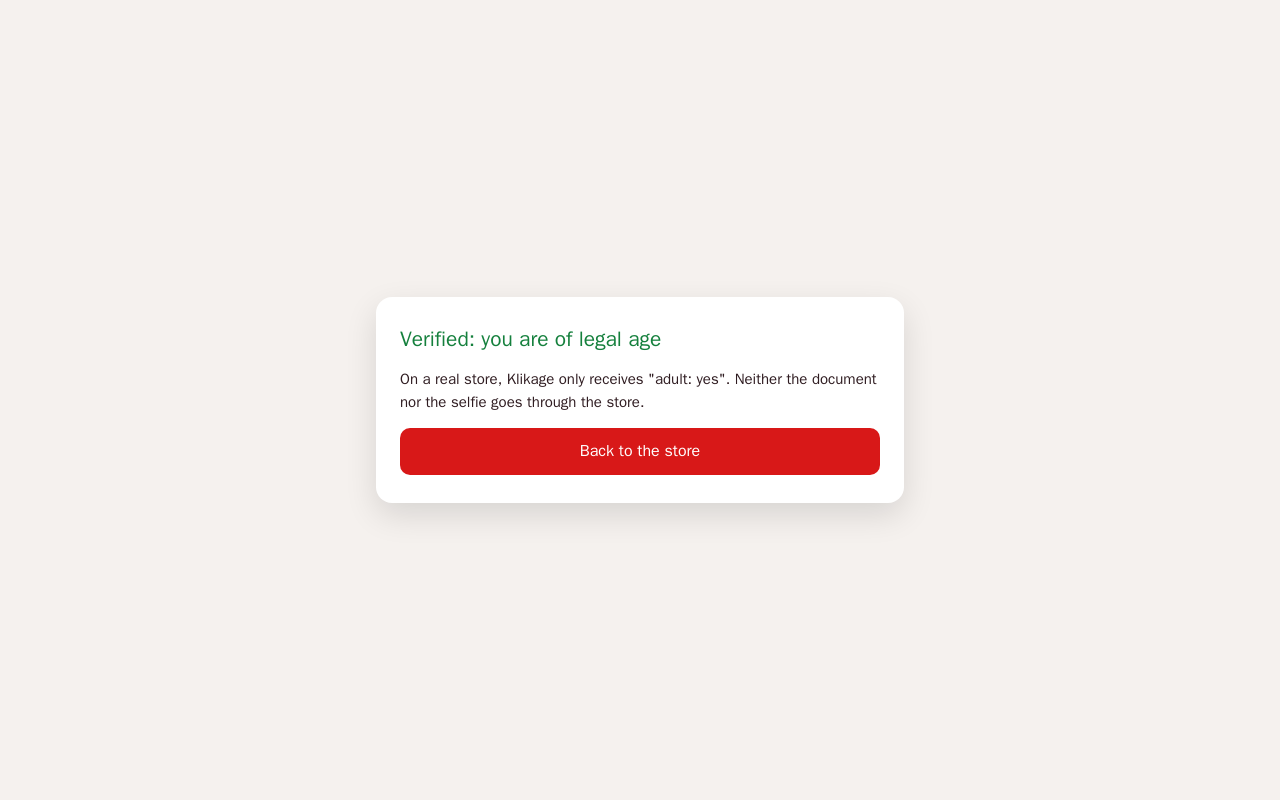
An artificial-intelligence model runs in the visitor's browser. Your store only receives the adult / minor verdict: never a photo, never a biometric template. No cost per check, no visitor cap.
Klikage estimates the visitor's age right on their device: no photo and no biometric data ever reaches your store, and this step costs nothing whatever your traffic. Checkout stays locked until adulthood is established. For vape, alcohol, CBD, airsoft and anything else that cannot be sold to minors.
Klikage is an e-commerce module published by Pikali, available for PrestaShop and WooCommerce. Age verification by facial estimation in the browser, no image stored. Triggered on arrival, at sign-up or at checkout. PrestaShop and WooCommerce. Licence: €249.00 excl. VAT (€298.80 incl. VAT) per shop, for the platform of your choice, 12 months of updates included, no subscription required. Try it first on its live demo.
One module for PrestaShop and WooCommerce. The PrestaShop edition does not have all these features yet: details just below.
An artificial-intelligence model runs in the visitor's browser. Your store only receives the adult / minor verdict: never a photo, never a biometric template. No cost per check, no visitor cap.
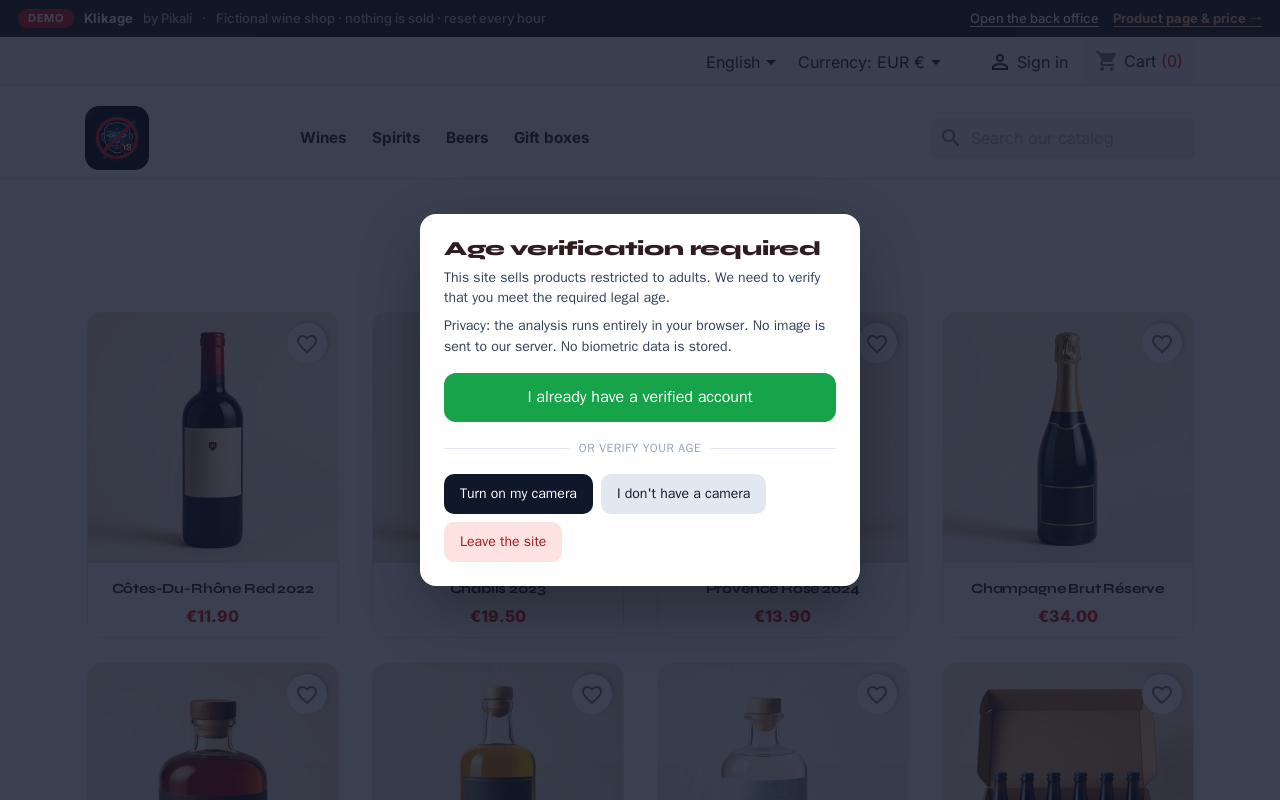
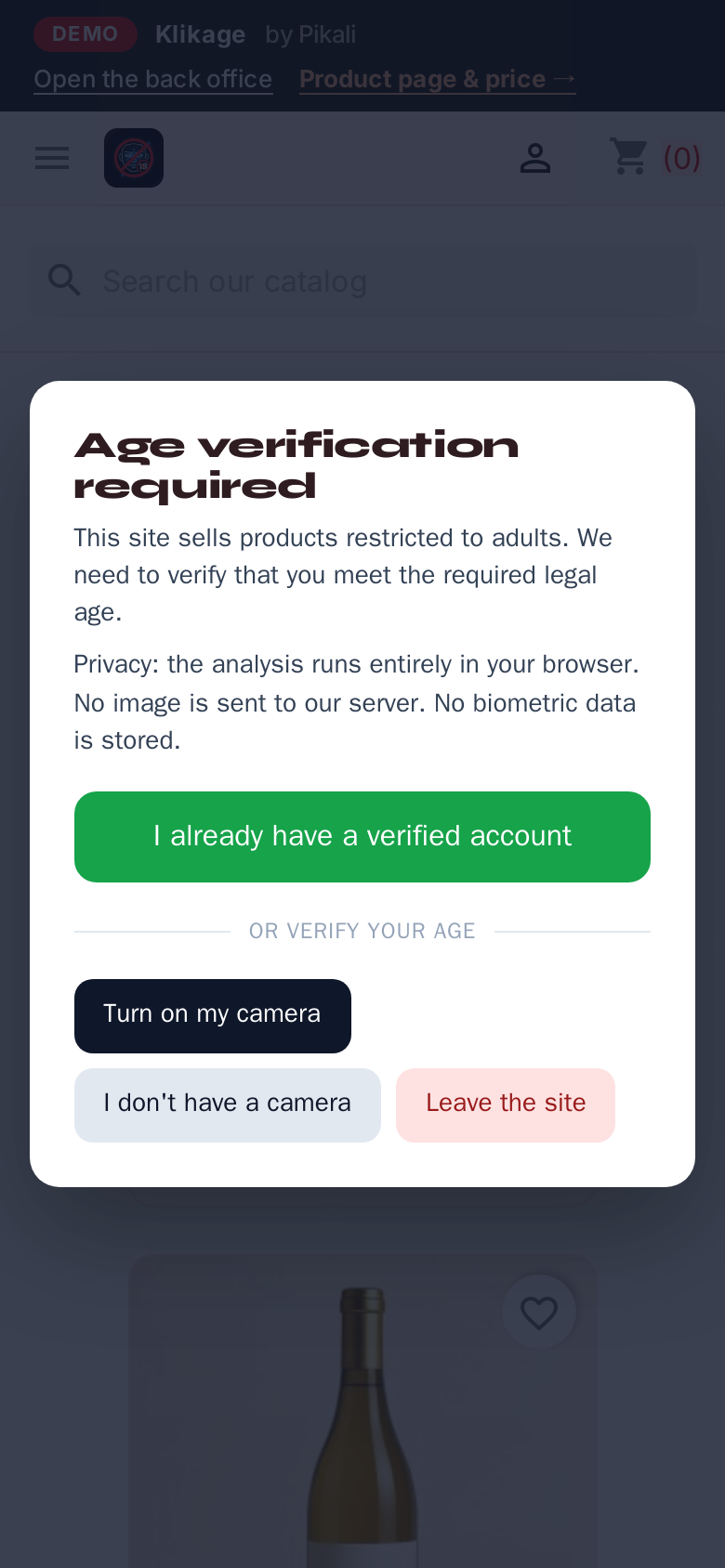
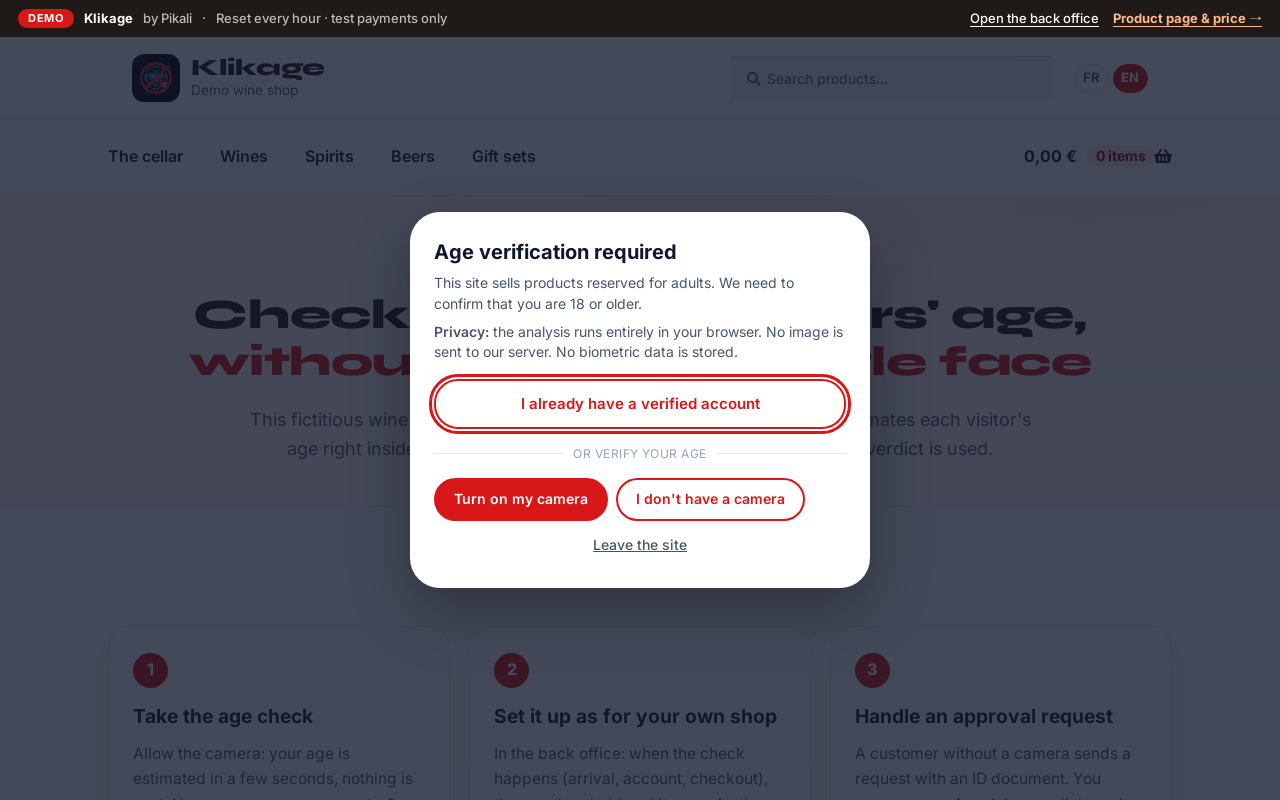
If the computer has no camera or the visitor declines it, they scan a QR code and take the check on their phone; their desktop browser is unlocked as soon as it is done.
A customer who is not verified and tries to order an age-restricted product is stopped before payment, even if they get around the verification window.
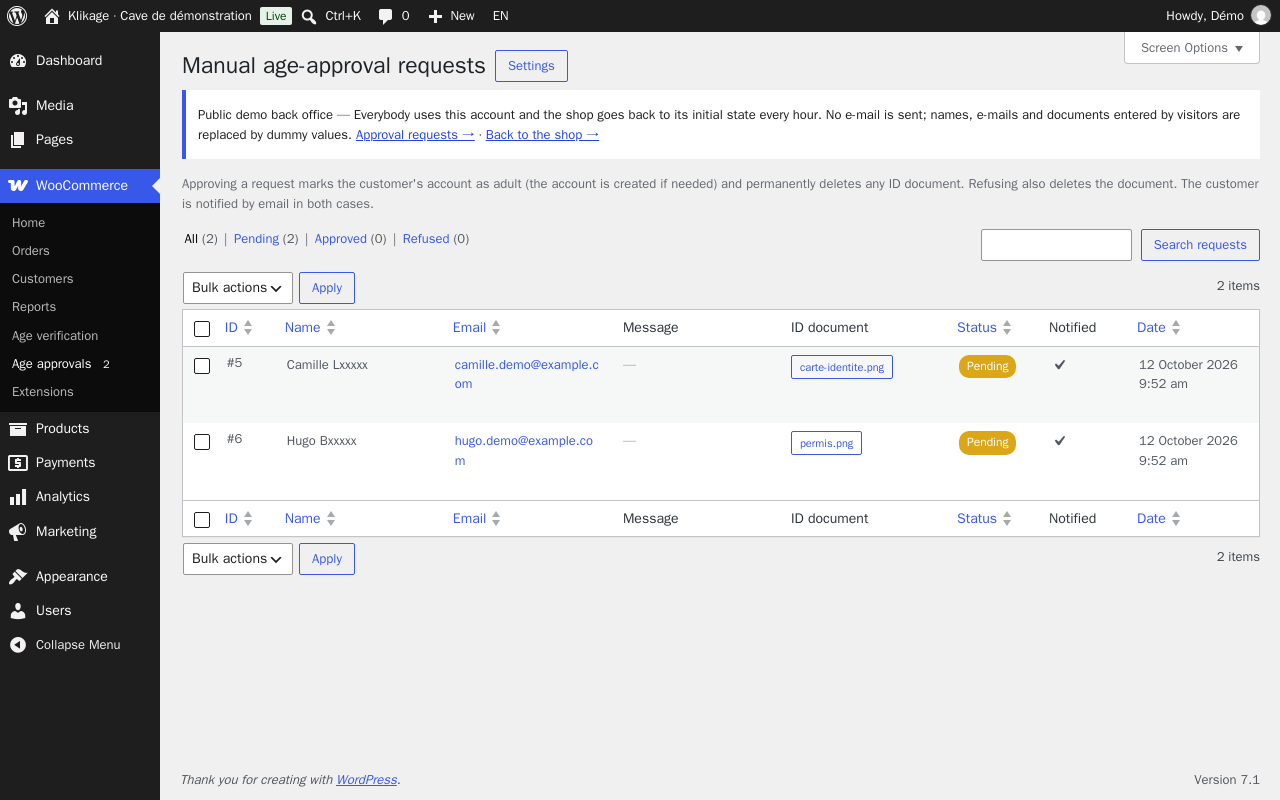
The visitor sends a request that you approve or refuse in one click from your back office, with a notification while any are pending. An ID document, if attached, is destroyed as soon as you decide.
An option you switch on: the visitor shows their ID document, then a selfie, to our verification partner, outside your store. A minor's ID, even valid, is refused. One credit per verification started, given back if the visitor quits; at zero credits, manual approval takes over.
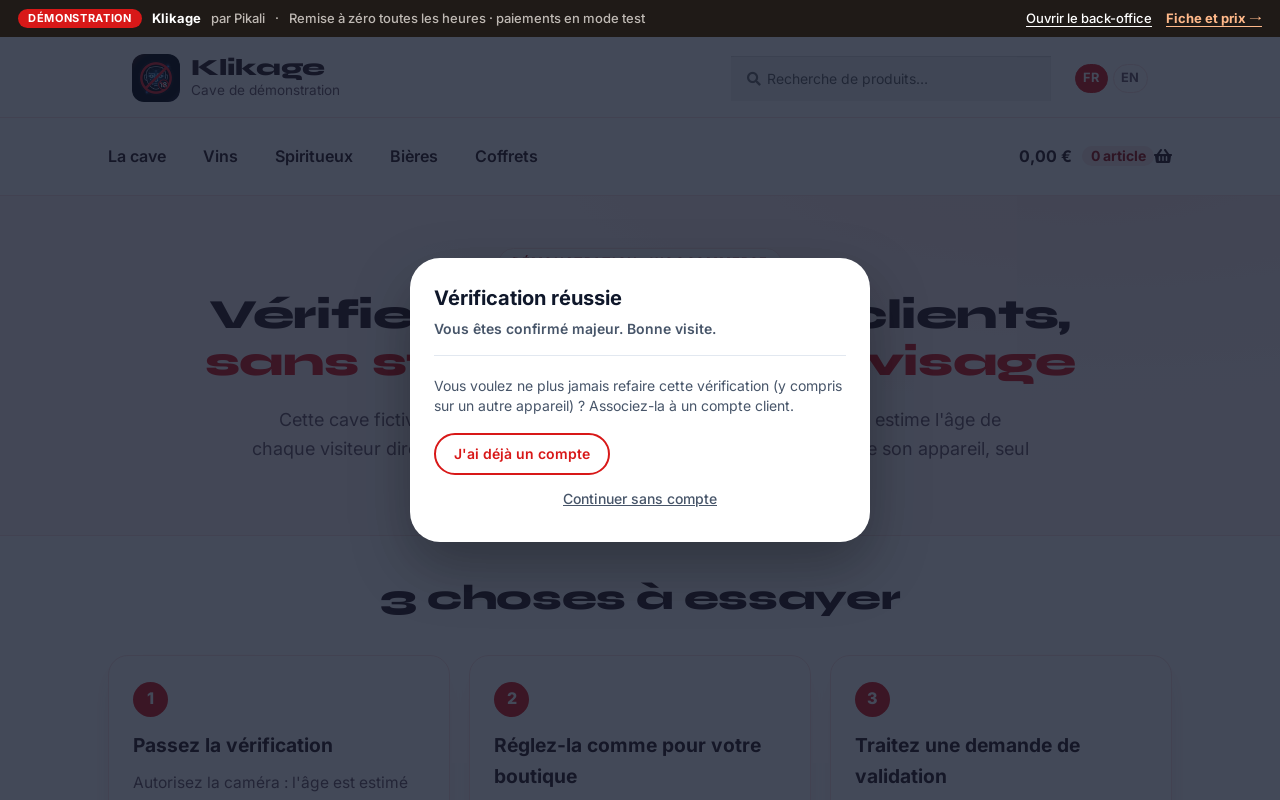
Attached to the account at login or sign-up, it saves repeating the camera step, even from another device. The data kept is covered by your platform's export and erasure tools.
Protect the whole site or tick the categories concerned — spirits, e-liquids, blades: category pages, product pages and any cart holding one are covered. Login and account pages stay reachable.
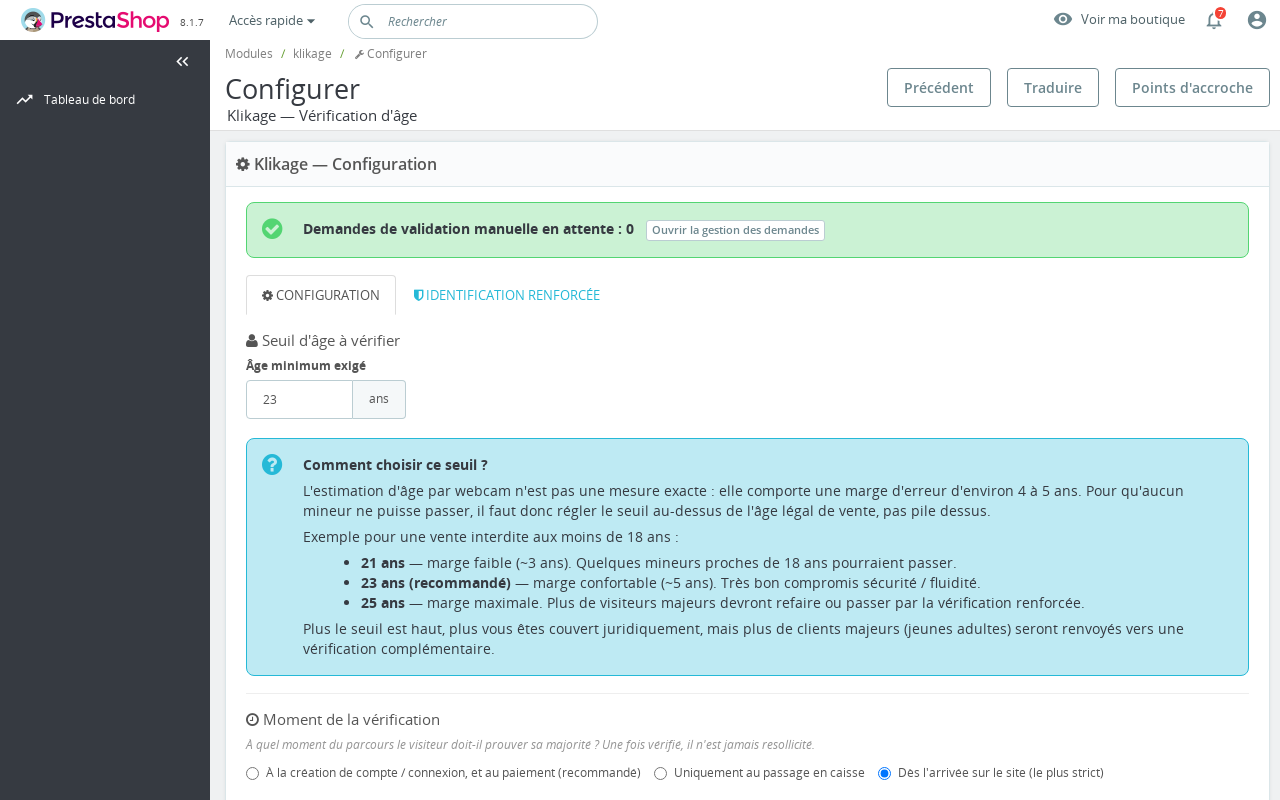
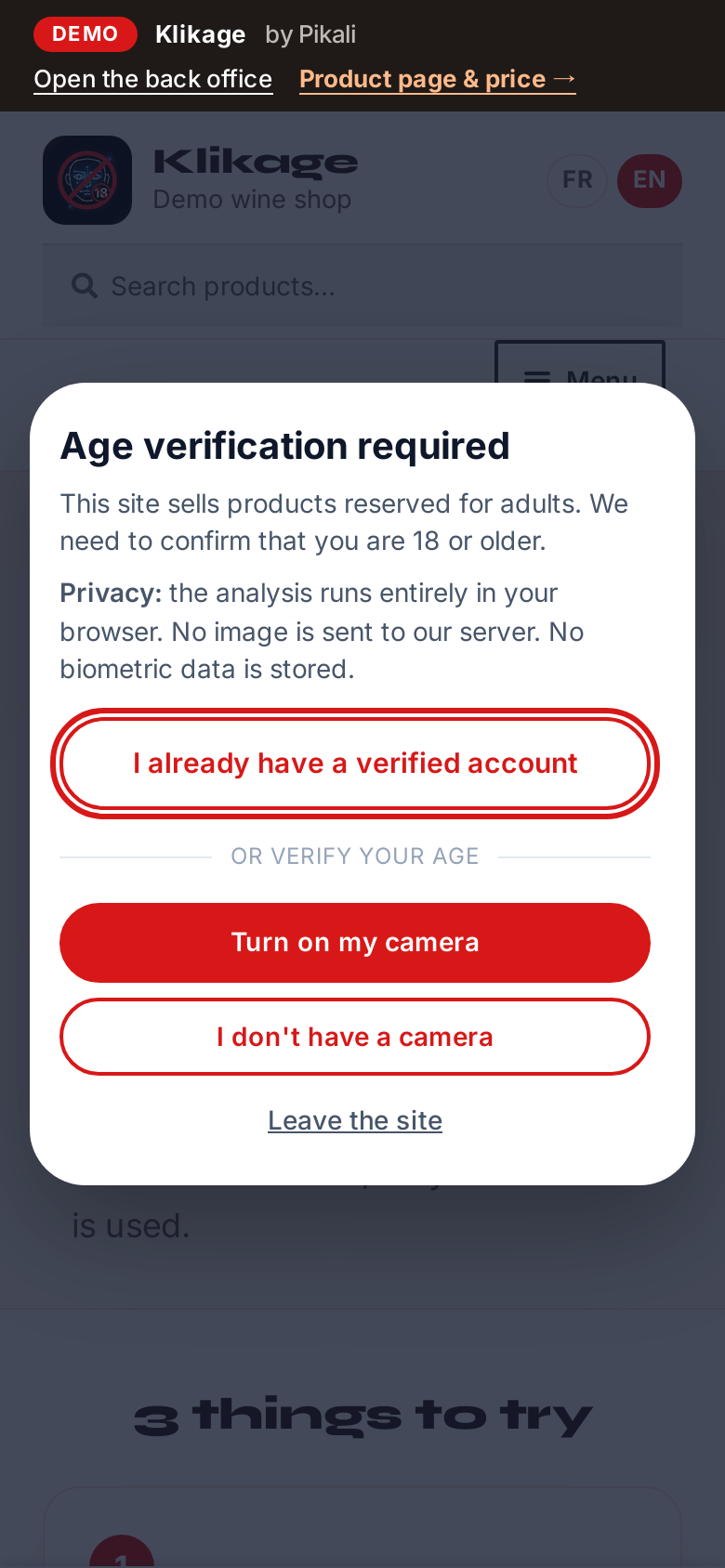
You set the required age (above the legal age to absorb the estimate's margin), when the check happens and how long the “age verified” marker lasts. The window appears in French, English, German, Spanish, Italian, Dutch and Portuguese.
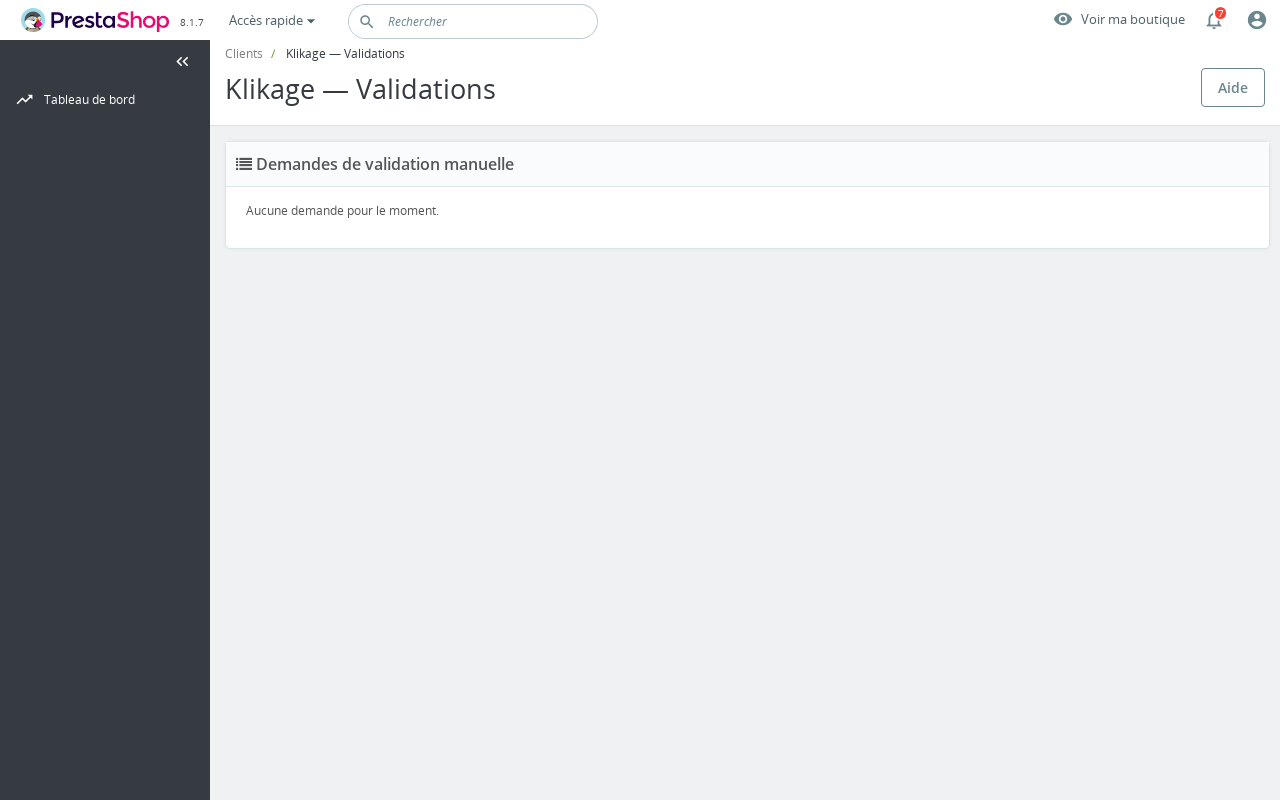
A complete demo shop, online, with the plugin installed and configured.
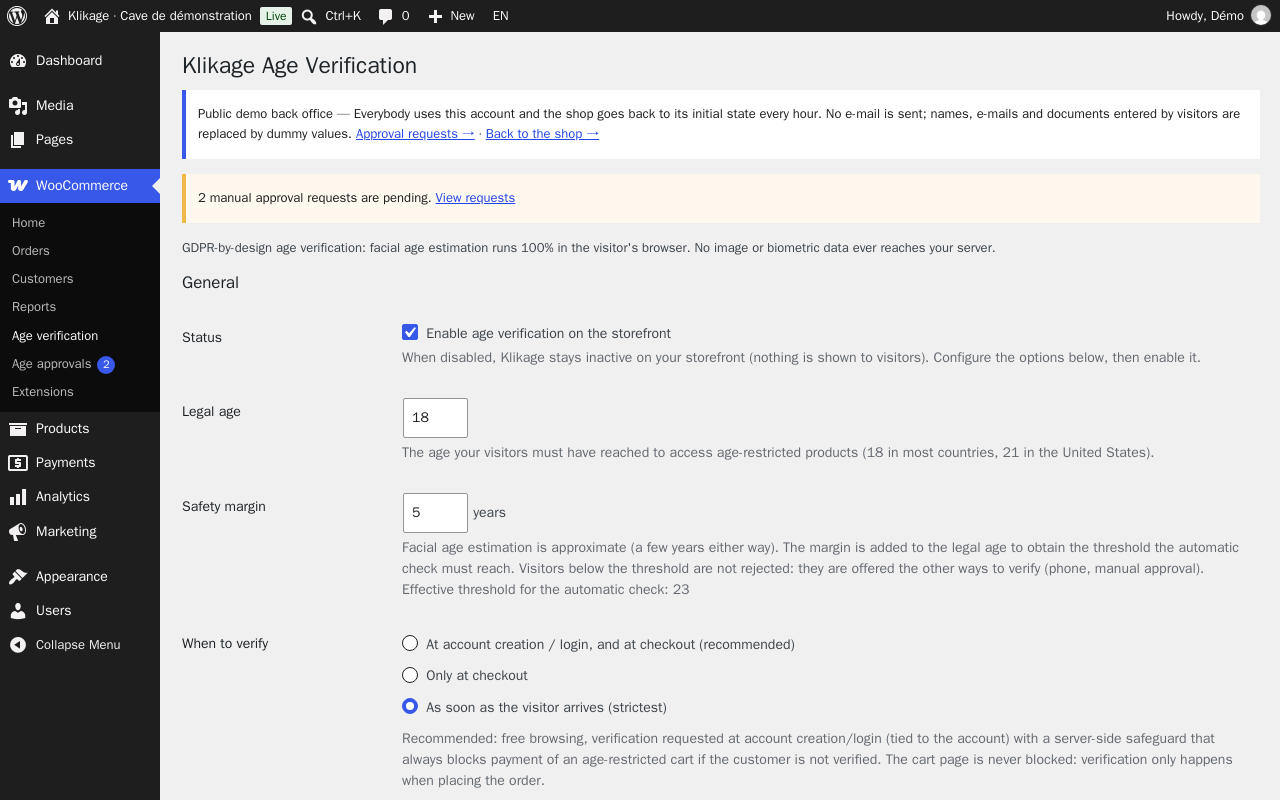
Facial estimation gives an approximate age, within 4 or 5 years: set the minimum age above the legal age. Depending on your business and country, it may not replace a formal identity check.
Visitors stay in control of their camera. If they decline, they use their phone or send a request that you handle yourself.
The ID document check is a paid option, in credits bought in packs; without credits it is not offered and free manual approval remains available.
Tested on a single store. Multistore / multisite mode has not been verified.
For stores subject to an age limit — e-liquids, spirits, CBD, airsoft, cutlery. Module published by Pikali; support in French and English.
Facial estimation gives an approximate age, within 4 or 5 years: set the minimum age above the legal age. Depending on your business and country, it may not replace a formal identity check.
Visitors stay in control of their camera. If they decline, they use their phone or send a request that you handle yourself.
The ID document check is a paid option, in credits bought in packs; without credits it is not offered and free manual approval remains available.
Tested on a single store. Multistore / multisite mode has not been verified.
For stores subject to an age limit — e-liquids, spirits, CBD, airsoft, cutlery. Module published by Pikali; support in French and English.
One licence per shop and per platform: choose the edition for yours.
Version 1.1.3 · 363 Ko · AFL-3.0 (Academic Free License) licence
€249.00 excl. VAT
i.e. €298.80 incl. VAT
VAT: 20% for French businesses, reverse charge for EU businesses with a verified VAT number, not applicable outside the EU.
Sign in to buyA business account is required to buy.
1 crédit = 1 vérification KYC (pièce d’identité). Credits are bought without any mandatory subscription.
Credits valid 12 months from purchase. Bought online here, on the SumUp payment page; credits are added to your account as soon as the payment is made and managed in your client area (“My credits”). Buy your credits on this PrestaShop page, with the Pikali account that bought your PrestaShop shop's licence: that is the account your shop uses.
Licence for one PrestaShop shop (1 licence = 1 shop, per platform): a site on WooCommerce would need its own licence, from its edition on this same page. One-off purchase, no time limit on use.
12 months of updates and support included from the purchase (current version downloadable from your client area, new versions announced by e-mail).
Then an optional “Entretien” (care plan) at 20% of the licence price per year (€49.80 excl. VAT per year): updates and support extended for one year, with no catch-up for past years. Without it, the module keeps working.
Code released under the free AFL-3.0 (Academic Free License) licence: the rights that licence grants on the code remain whole; the Pikali licence covers the use in your shop, the updates and the support.
Klikage API key provided in your client area (“My modules”) as soon as you pay: it links your shop to your ID document verification credits; age estimation works without it.
Support by e-mail at contact@pikali.fr.
Not yet in this edition: Window appearance settings (accent colour, radius, font) ; Email to the customer when a manual request is approved or refused
This edition is also listed on PrestaShop Addons.
Version 1.2.2 · 1.1 Mo · GPL-2.0 licence
€249.00 excl. VAT
i.e. €298.80 incl. VAT
VAT: 20% for French businesses, reverse charge for EU businesses with a verified VAT number, not applicable outside the EU.
Sign in to buyA business account is required to buy.
1 crédit = 1 vérification KYC (pièce d’identité). Credits are bought without any mandatory subscription.
Credits valid 12 months from purchase. Bought online here, on the SumUp payment page; credits are added to your account as soon as the payment is made and managed in your client area (“My credits”). Buy your credits on this WooCommerce page, with the Pikali account that bought your WooCommerce shop's licence: that is the account your shop uses.
Licence for one WooCommerce shop (1 licence = 1 shop, per platform): a site on PrestaShop would need its own licence, from its edition on this same page. One-off purchase, no time limit on use.
12 months of updates and support included from the purchase (current version downloadable from your client area, new versions announced by e-mail).
Then an optional “Entretien” (care plan) at 20% of the licence price per year (€49.80 excl. VAT per year): updates and support extended for one year, with no catch-up for past years. Without it, the module keeps working.
Code released under the free GPL-2.0 licence: the rights that licence grants on the code remain whole; the Pikali licence covers the use in your shop, the updates and the support.
Klikage API key provided in your client area (“My modules”) as soon as you pay: it links your shop to your ID document verification credits; age estimation works without it.
Support by e-mail at contact@pikali.fr.
This edition is also listed on WooCommerce.com.
The file is a standard PrestaShop module: four steps, no code.
From your Pikali client area, right after purchase. Do not unzip it.
In the PrestaShop admin: Modules → Module Manager, then Upload a module at the top right.
Drag the ZIP file into the window. PrestaShop installs the module by itself. Age estimation works as soon as the module is active. For ID document verification, paste the Klikage API key provided in your Pikali client area (“My modules”) into the “Enhanced identification” tab of the Klikage module.
Click Configure: every setting is explained on the module page.
The file is a standard WordPress plugin: four steps, no code.
From your Pikali client area, right after purchase. Do not unzip it.
Go to Plugins → Add New → Upload Plugin, choose the ZIP file and click Install Now.
Click Activate. Age estimation works as soon as the module is active. For ID document verification, paste the Klikage API key provided in your Pikali client area (“My modules”) into the “ID document verification” tab of the Klikage settings.
A new menu appears in the WordPress sidebar. Every setting is explained, and the documentation is included in French and English.
No. The estimation runs on their device; only the adult / minor result is passed to your store. No photo is kept.
That is our rule: every edition receives the same features, and any feature an edition does not have yet is listed on this page until its update. What differs are the settings screens, specific to each platform and described on the edition's page.
They scan a QR code and finish on their phone, or send a manual approval request that you handle.
No. It is an option, paid in credits; free manual approval is always available.
No: the verification is attached to their account and follows them from one device to another.
Try the verification on your platform's demo store, then take your edition's licence: the module downloads as soon as you pay.
Choose my edition