Cards, Apple Pay, Google Pay
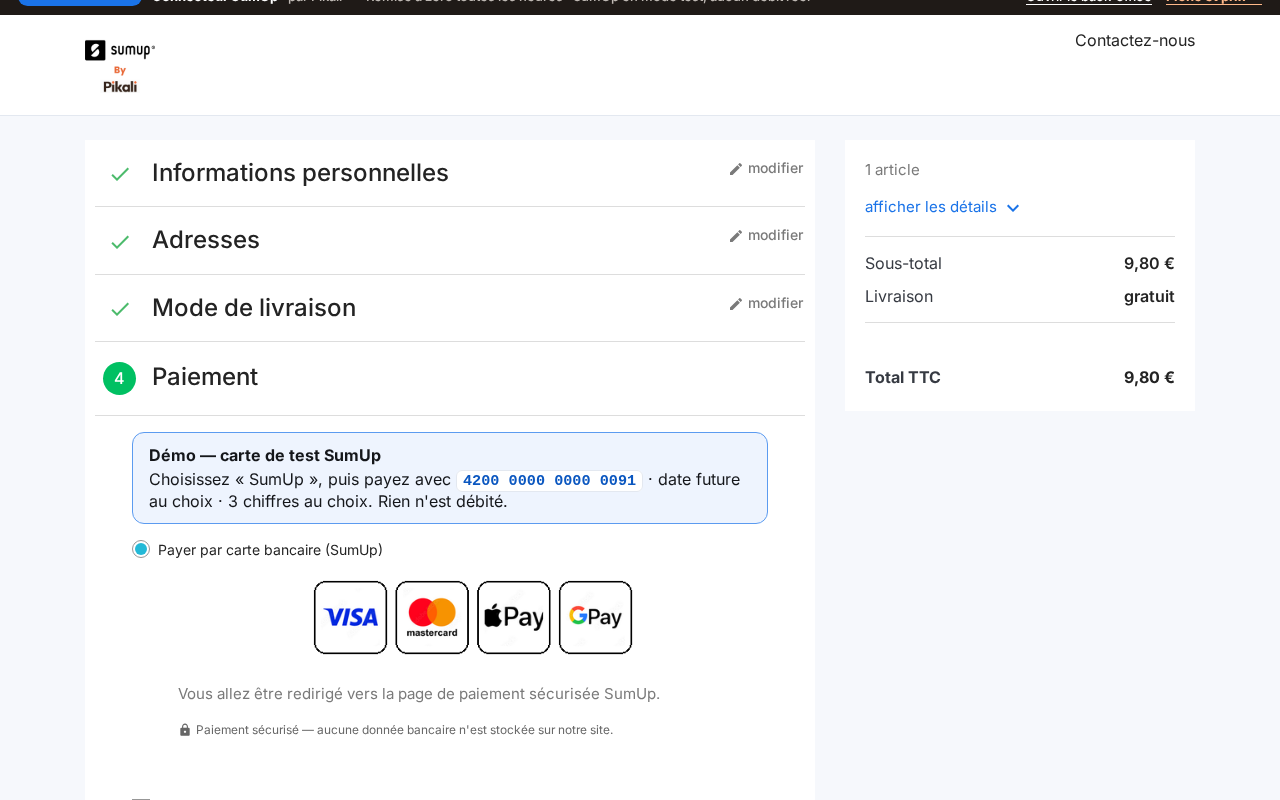
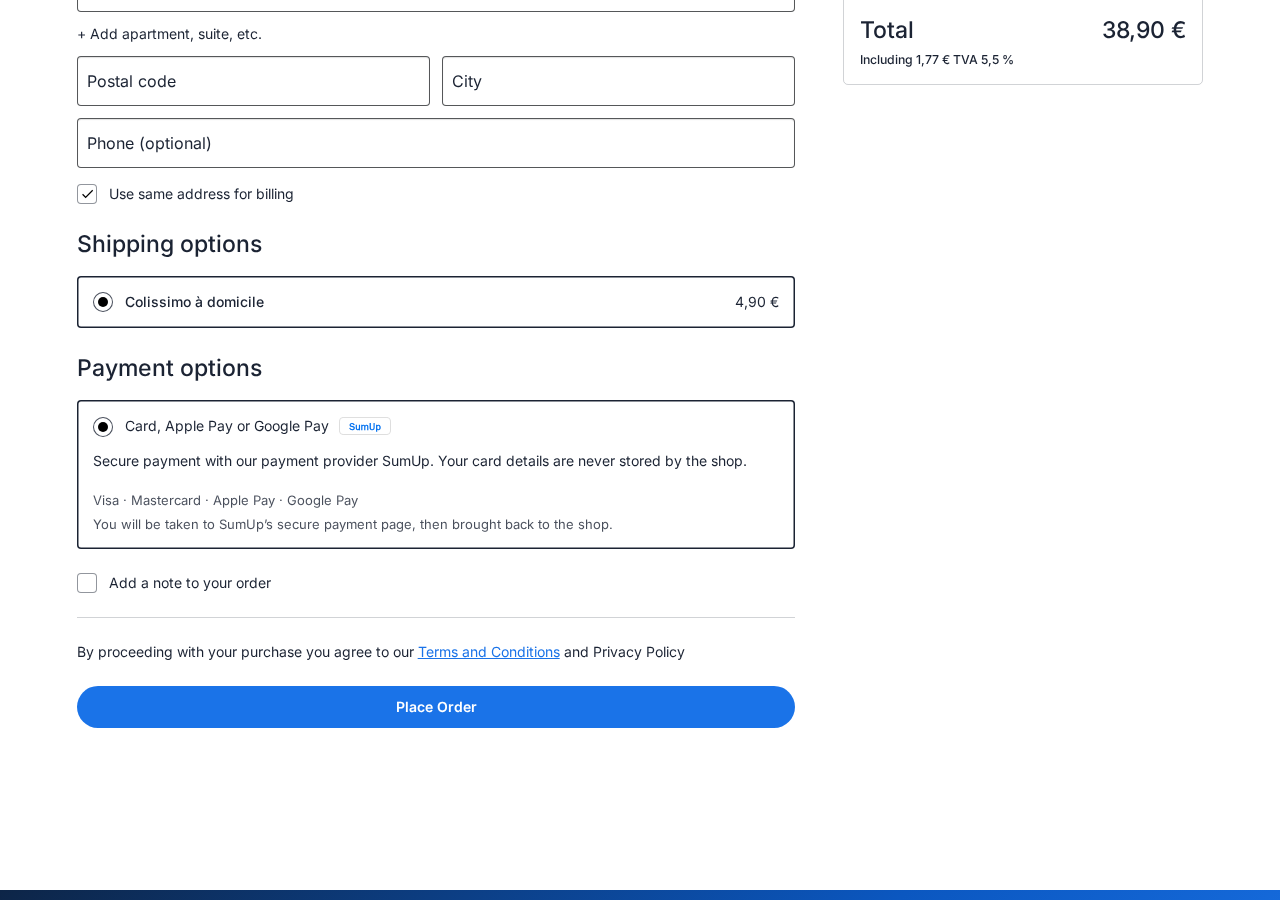
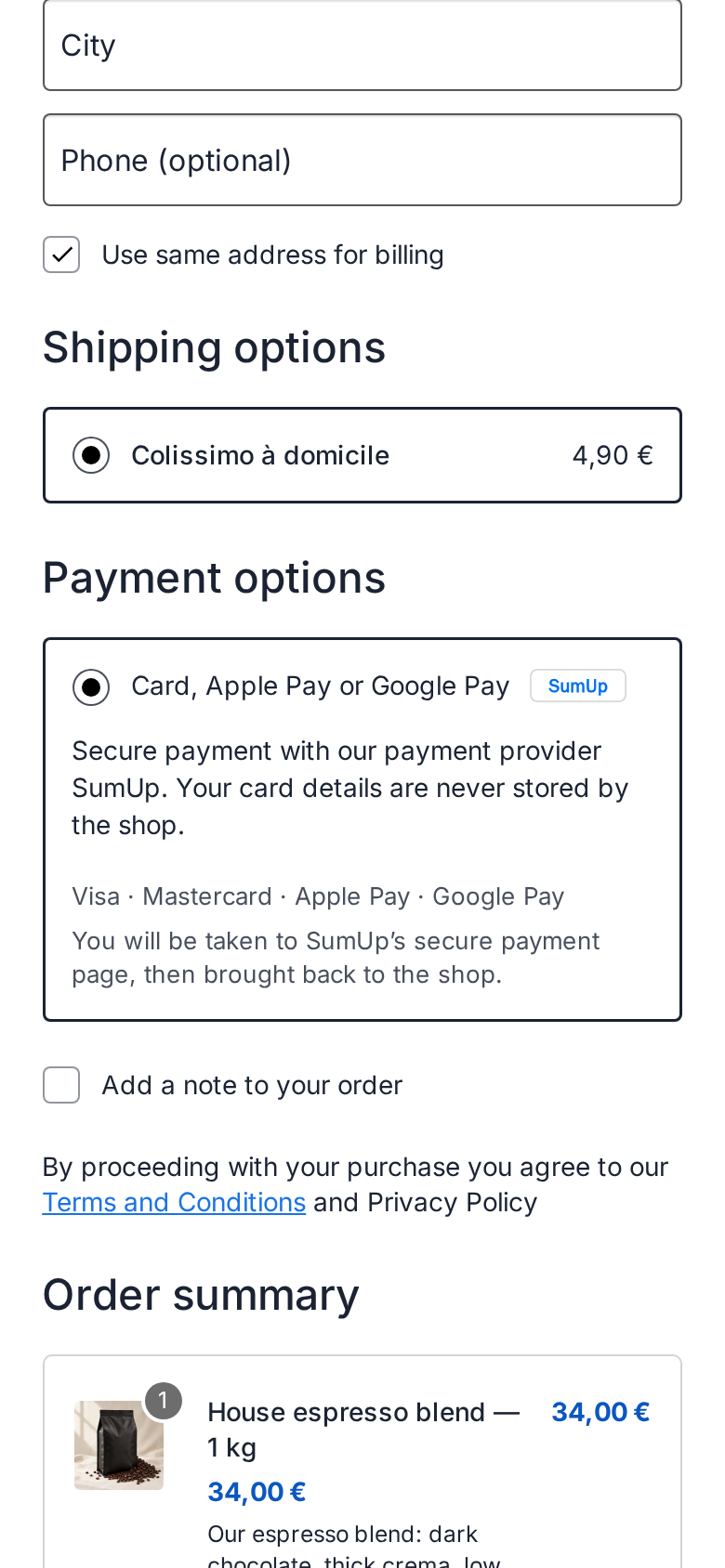
The cards accepted by your SumUp account. On SumUp's payment page, Apple Pay and Google Pay show up automatically when the customer's device supports them, with nothing to set up on your side.
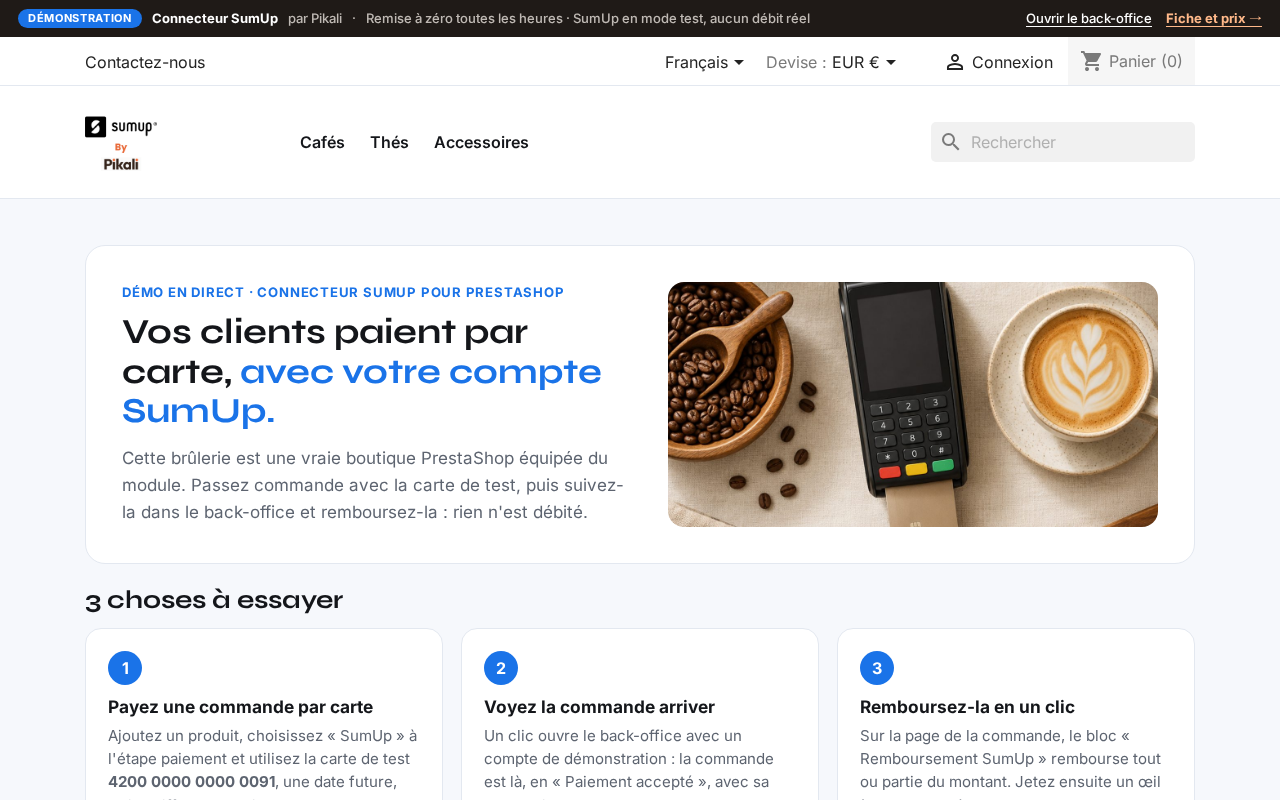
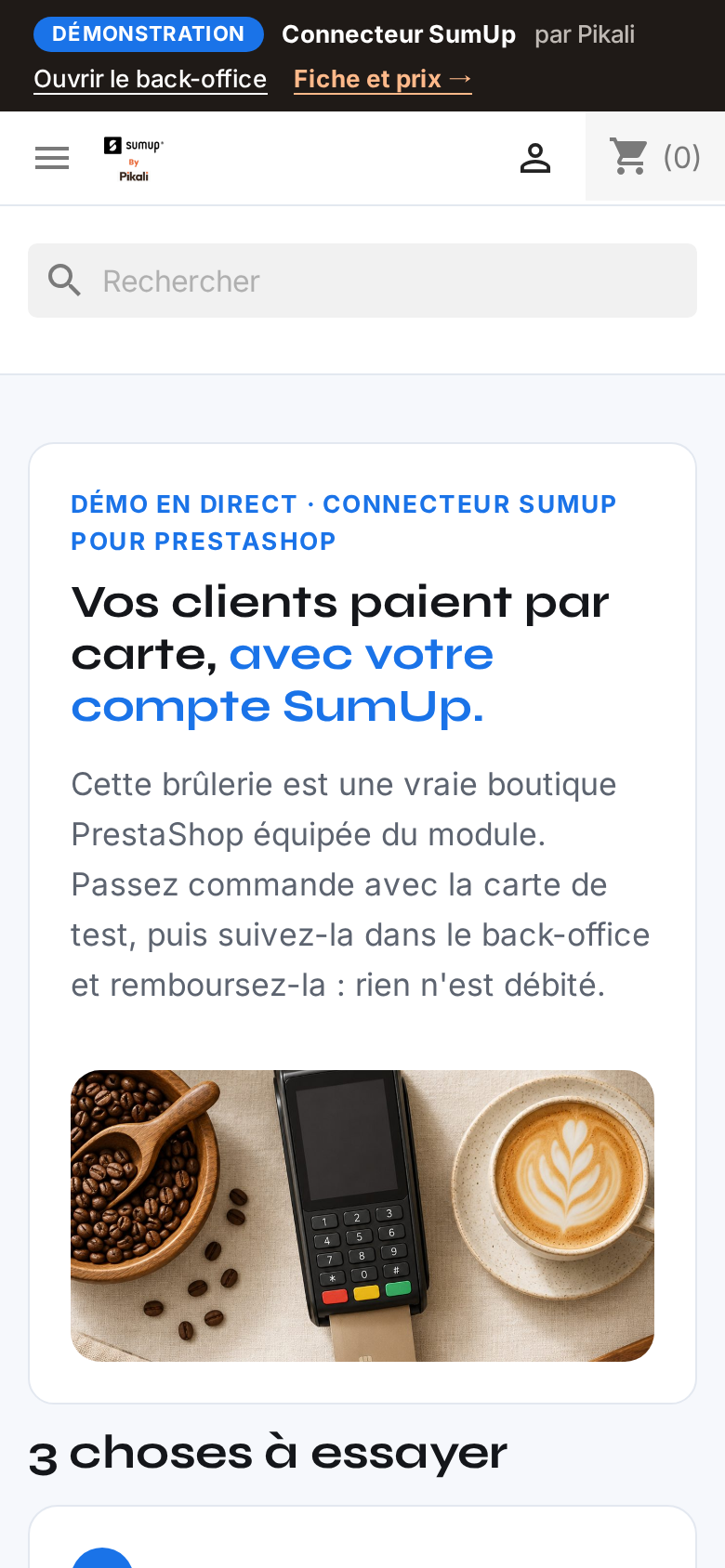
A module that connects your shop to your SumUp merchant account: cards, Apple Pay and Google Pay at checkout, orders validated even if the customer closes their browser before the end, and one-click refunds from the order page. Try it on the demo shop.
Connecteur SumUp is an e-commerce module published by Pikali, available for PrestaShop, WooCommerce and Shopware. Take card, Apple Pay and Google Pay payments on Shopware 6 with your SumUp account. Payments confirmed even if the customer closes their browser, refunds from the order. Fully in German. Licence: €69.99 excl. VAT (€83.99 incl. VAT) per shop, for the platform of your choice, 12 months of updates included, no subscription required. Try it first on its live demo.
The same features in every edition: PrestaShop, WooCommerce and Shopware.
The cards accepted by your SumUp account. On SumUp's payment page, Apple Pay and Google Pay show up automatically when the customer's device supports them, with nothing to set up on your side.
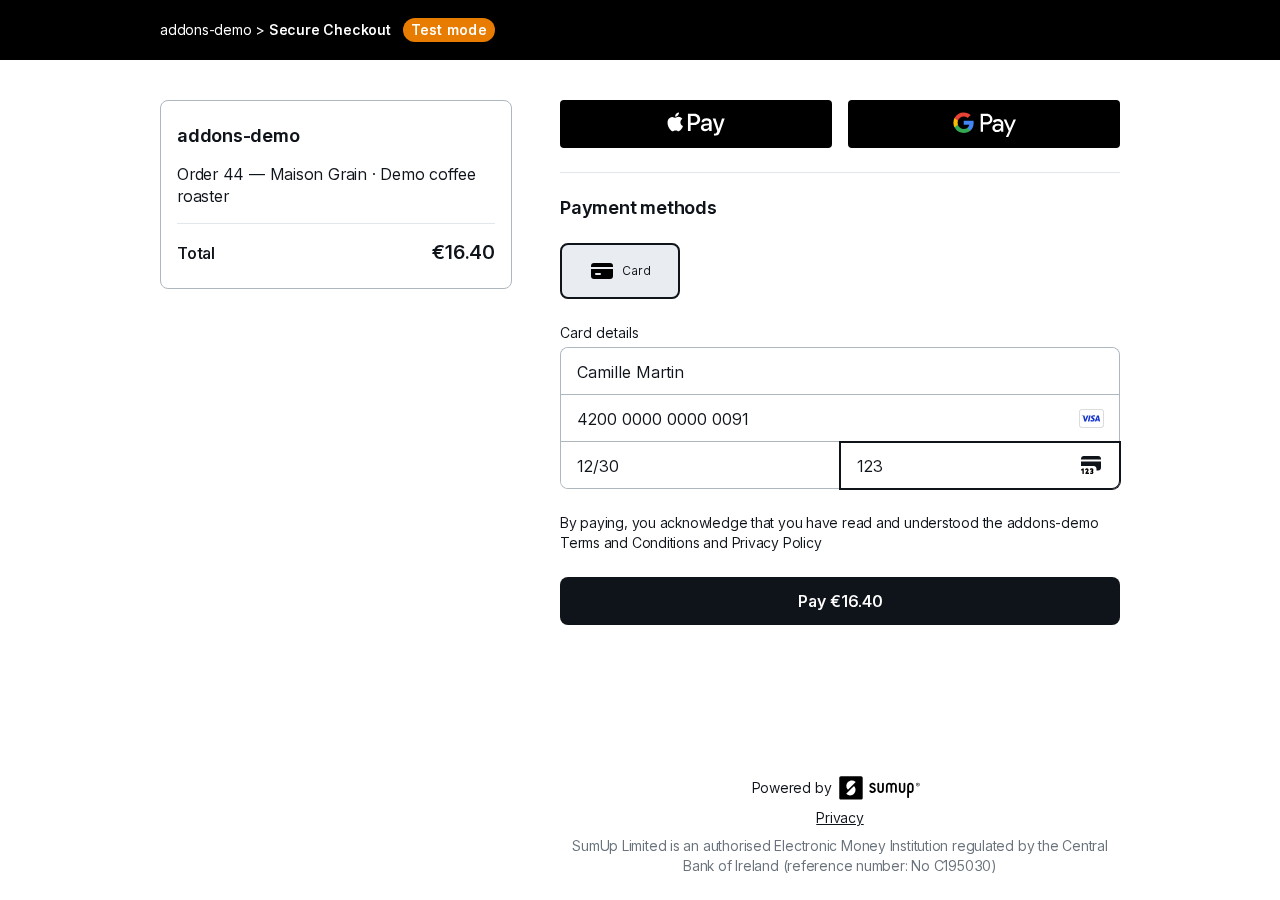
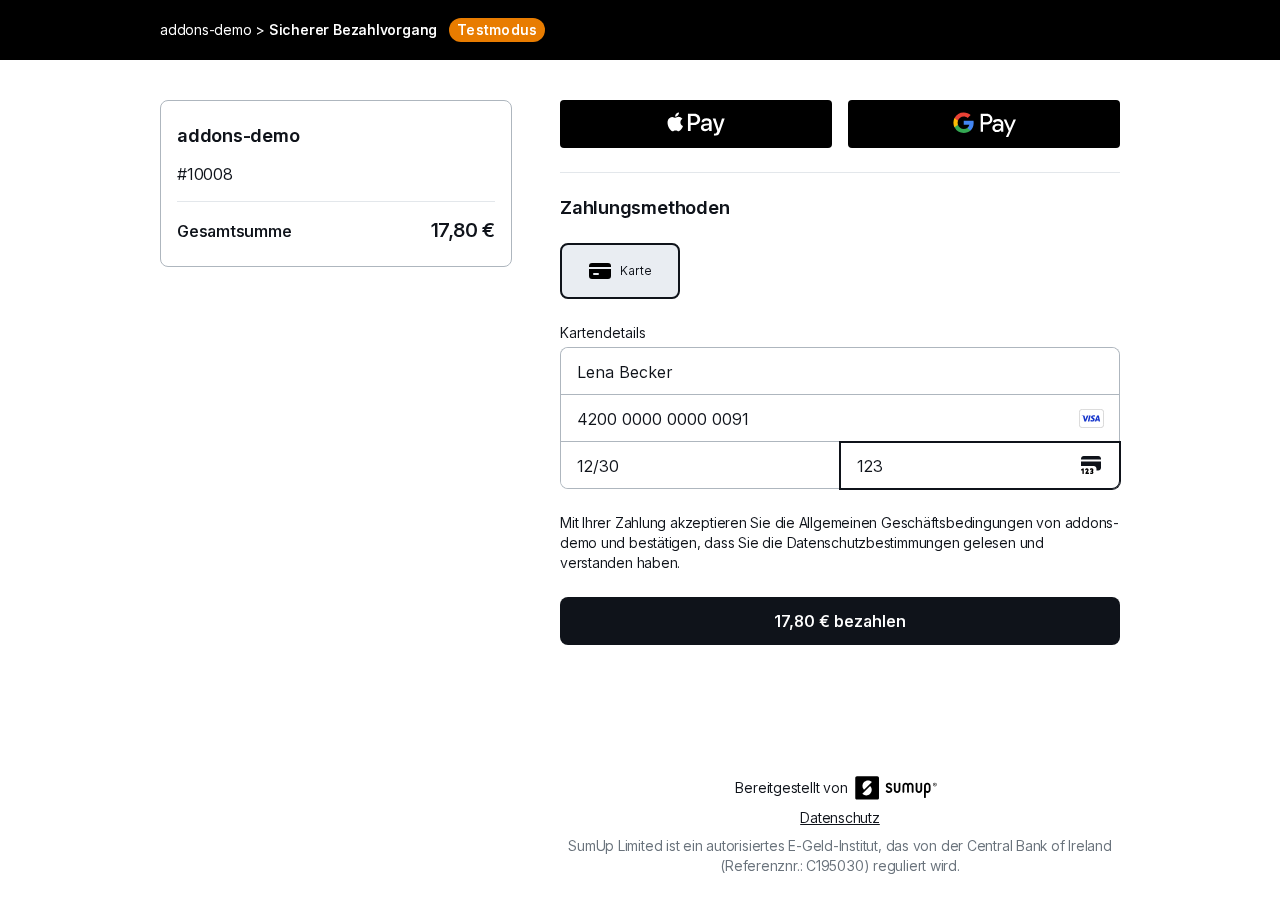
SumUp's secure payment page (recommended), or SumUp's card form shown inside your shop. Either way, card details are typed at SumUp and never go through your server.
For every payment, SumUp notifies your shop: the order is validated even if the customer closes their browser before coming back. Every payment is re-checked directly with SumUp before it counts. Nothing to set up at SumUp.
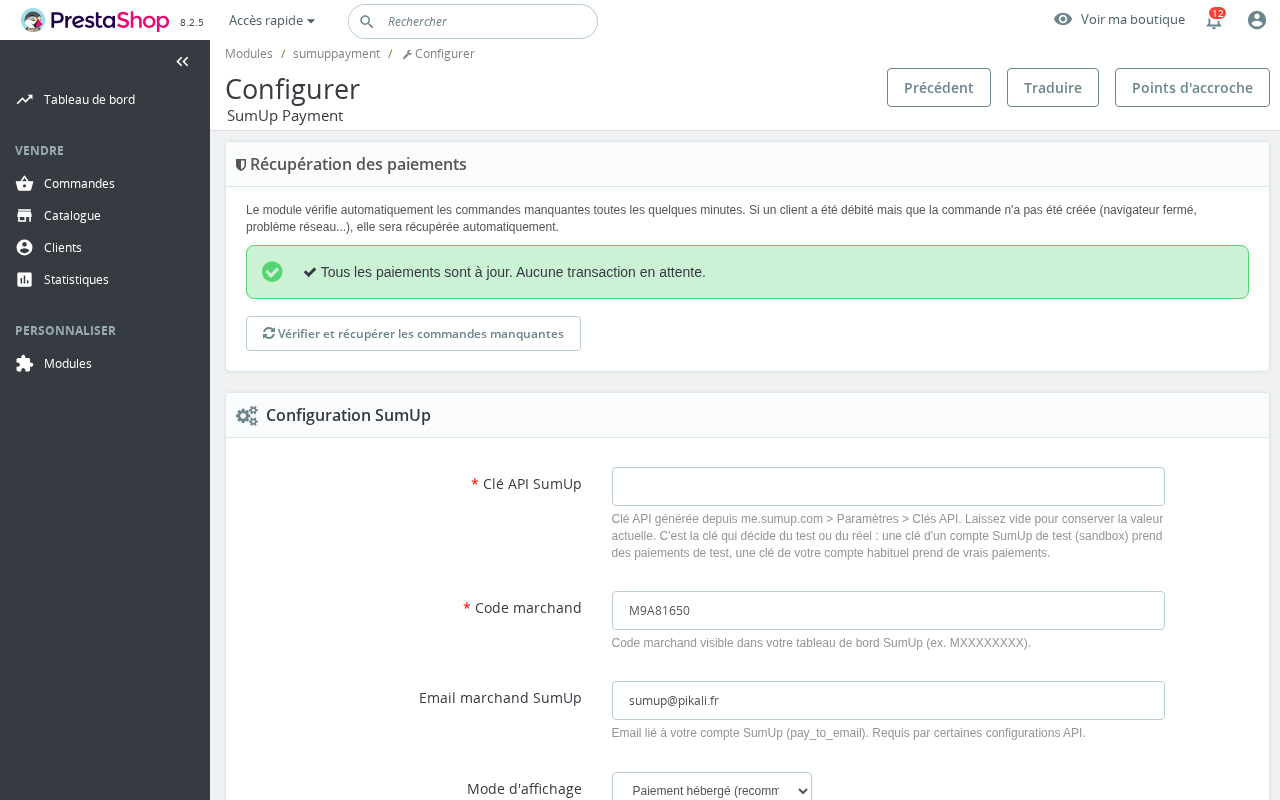
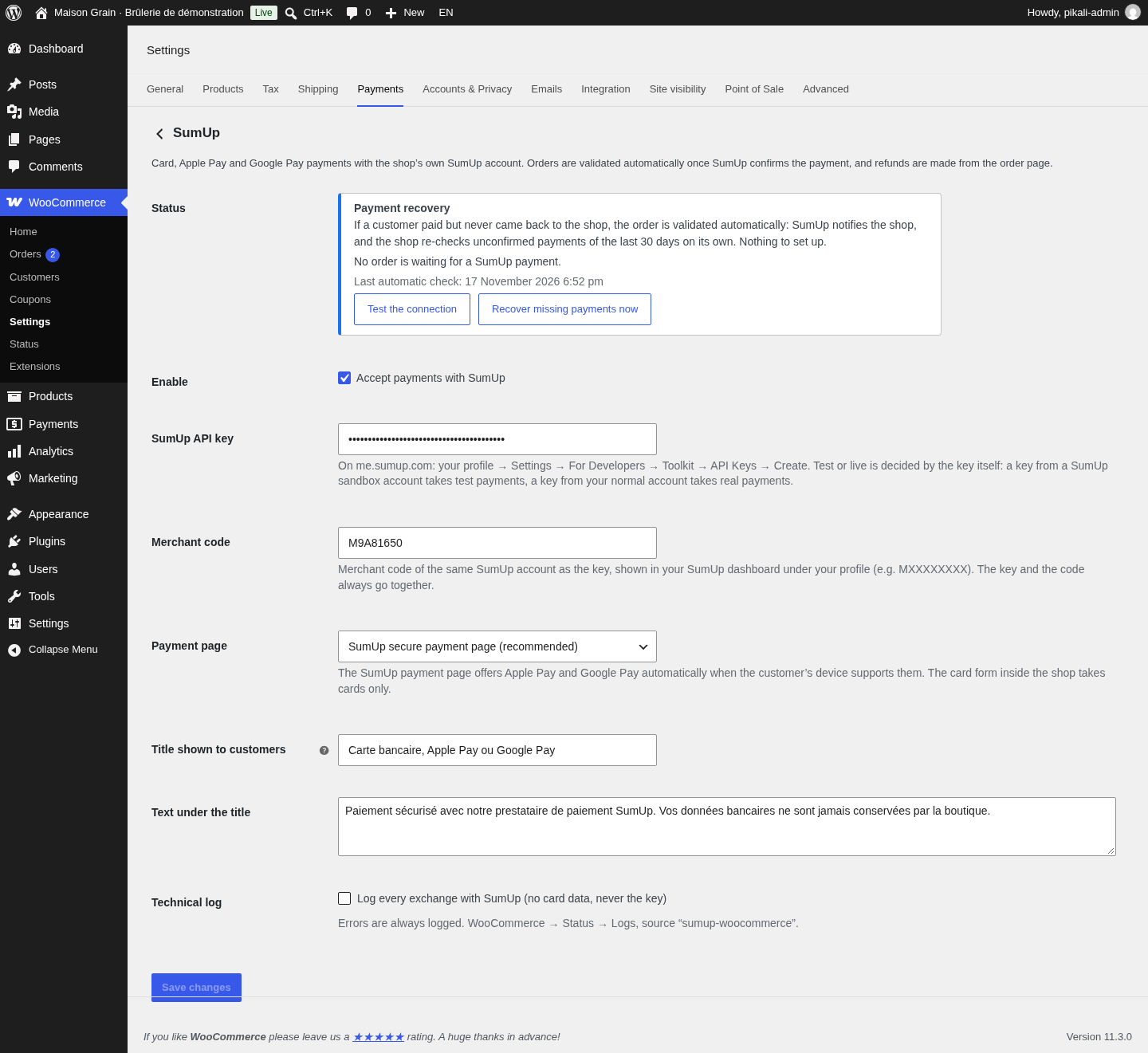
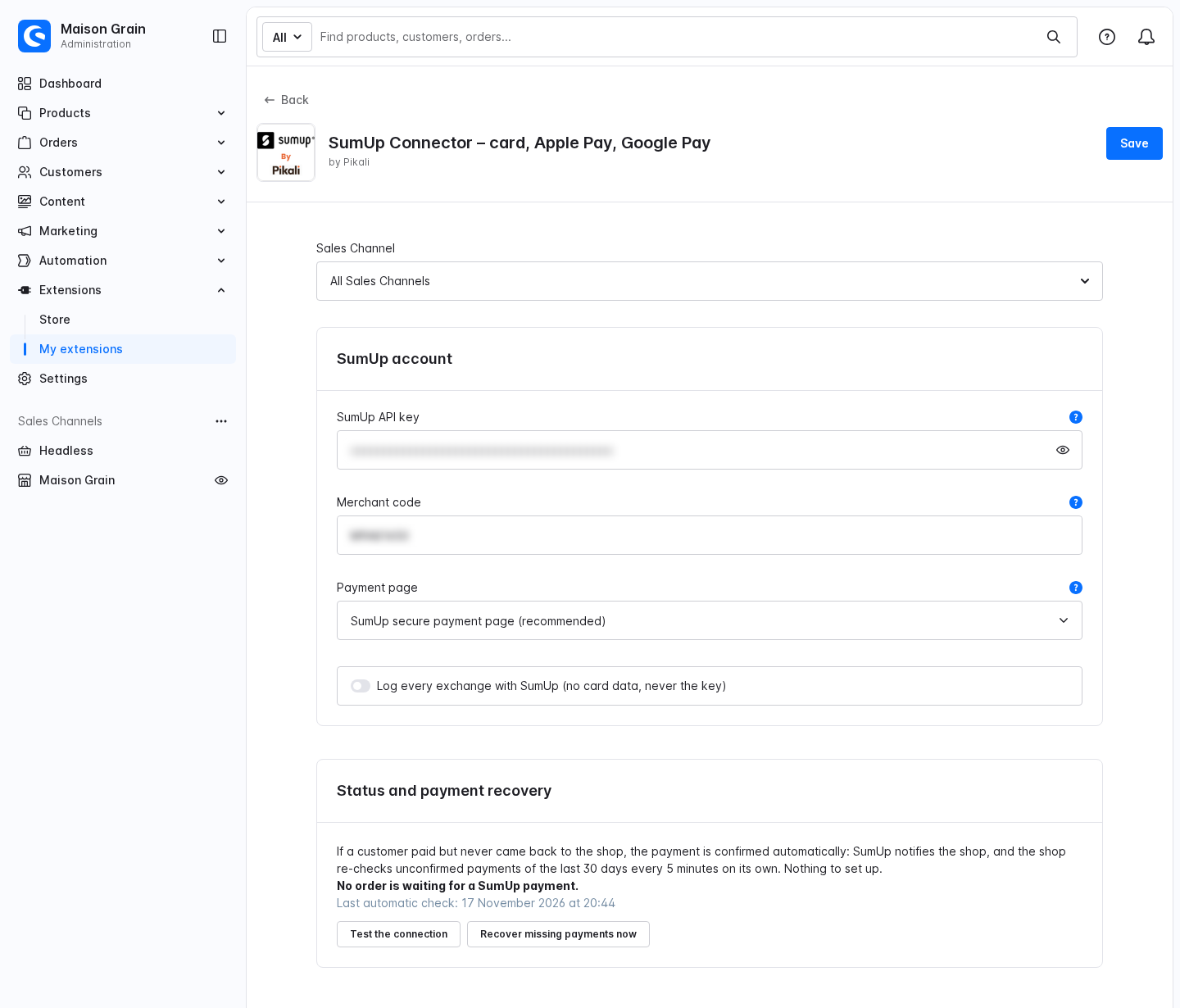
If a notification gets lost, the module re-checks pending payments of the last 30 days on its own and validates the order of any successful payment. The settings page lists them, with a button to run the check by hand.
The module compares the amount taken by SumUp with the order total. A difference is never validated silently: the order is flagged so you can check before shipping.
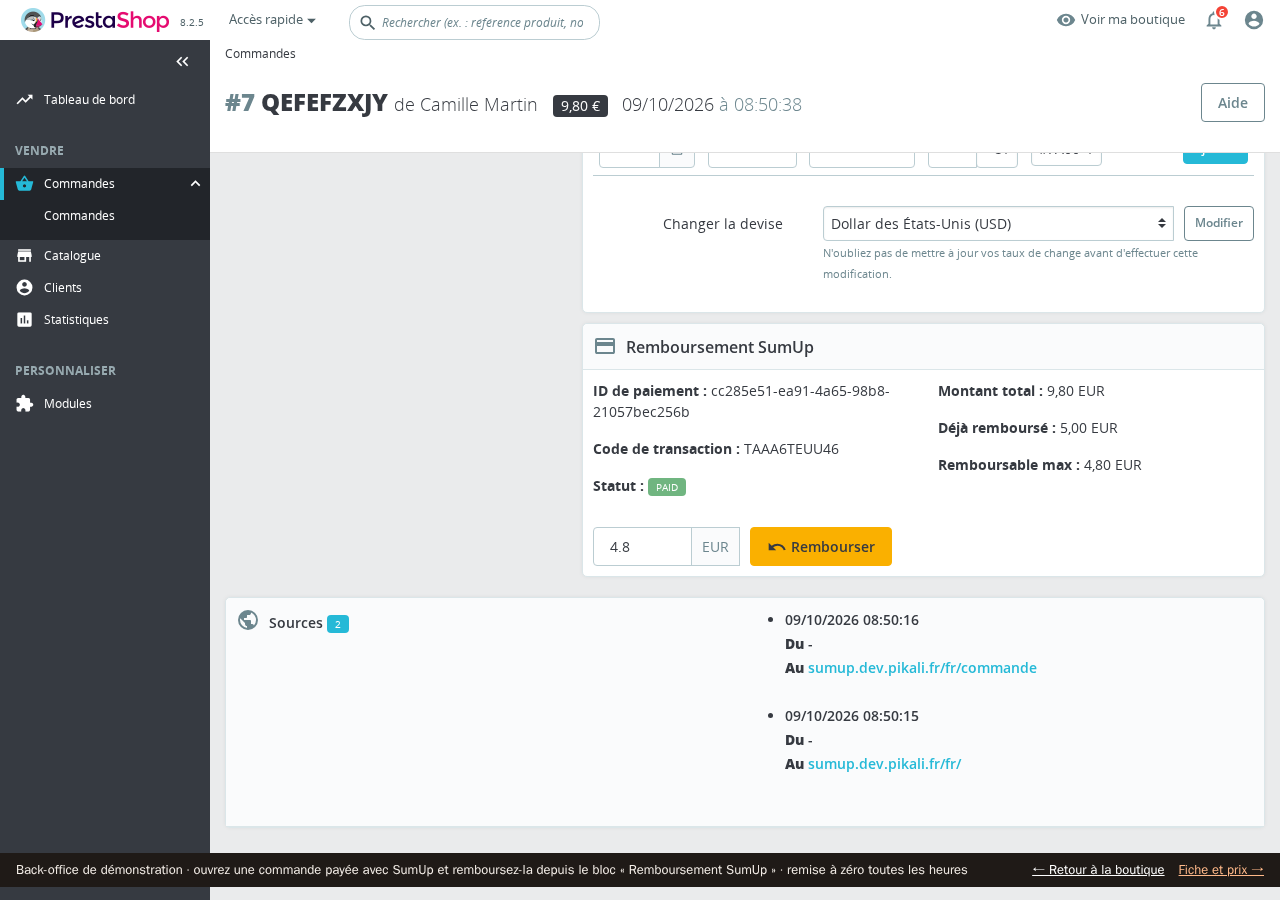
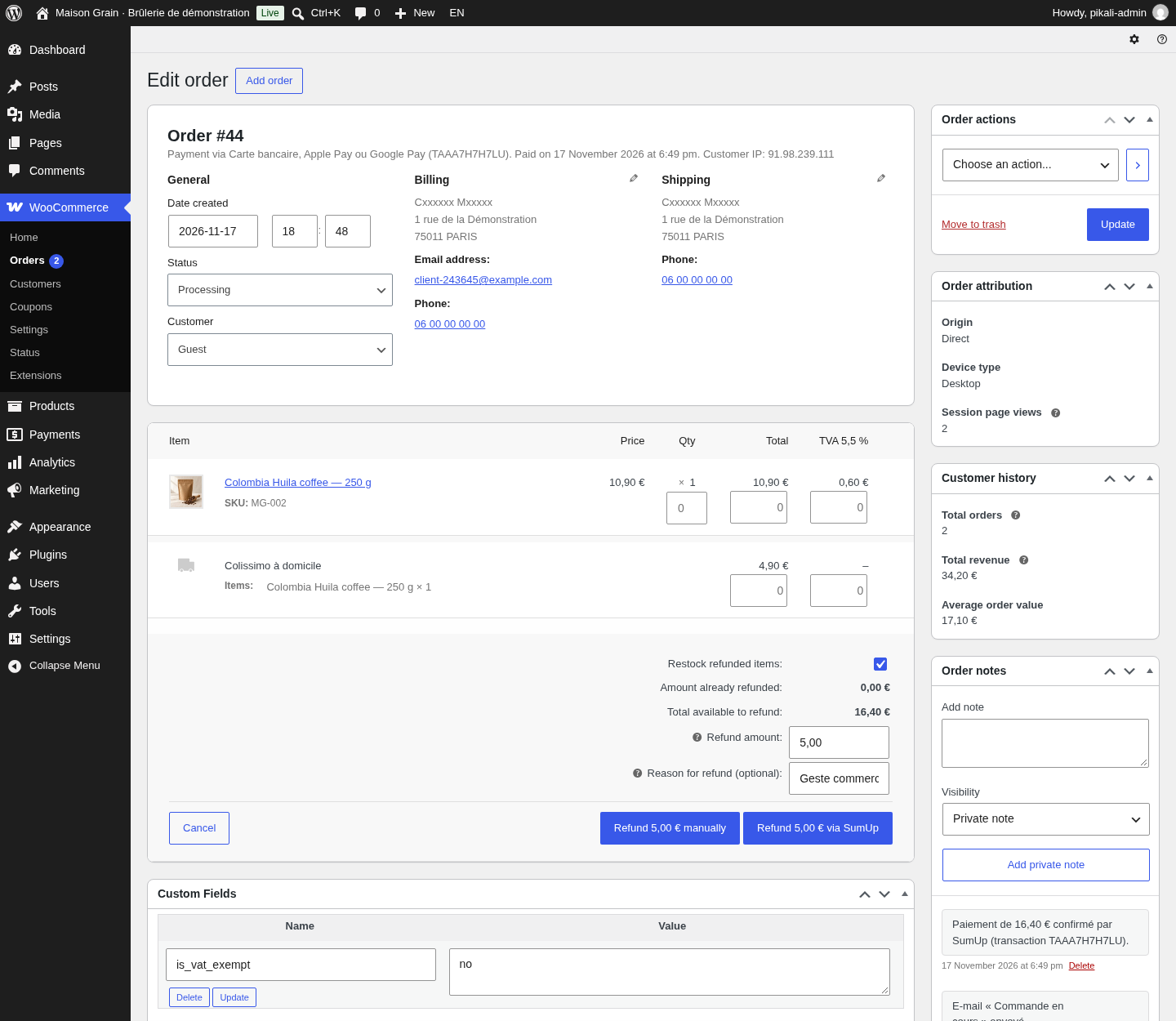
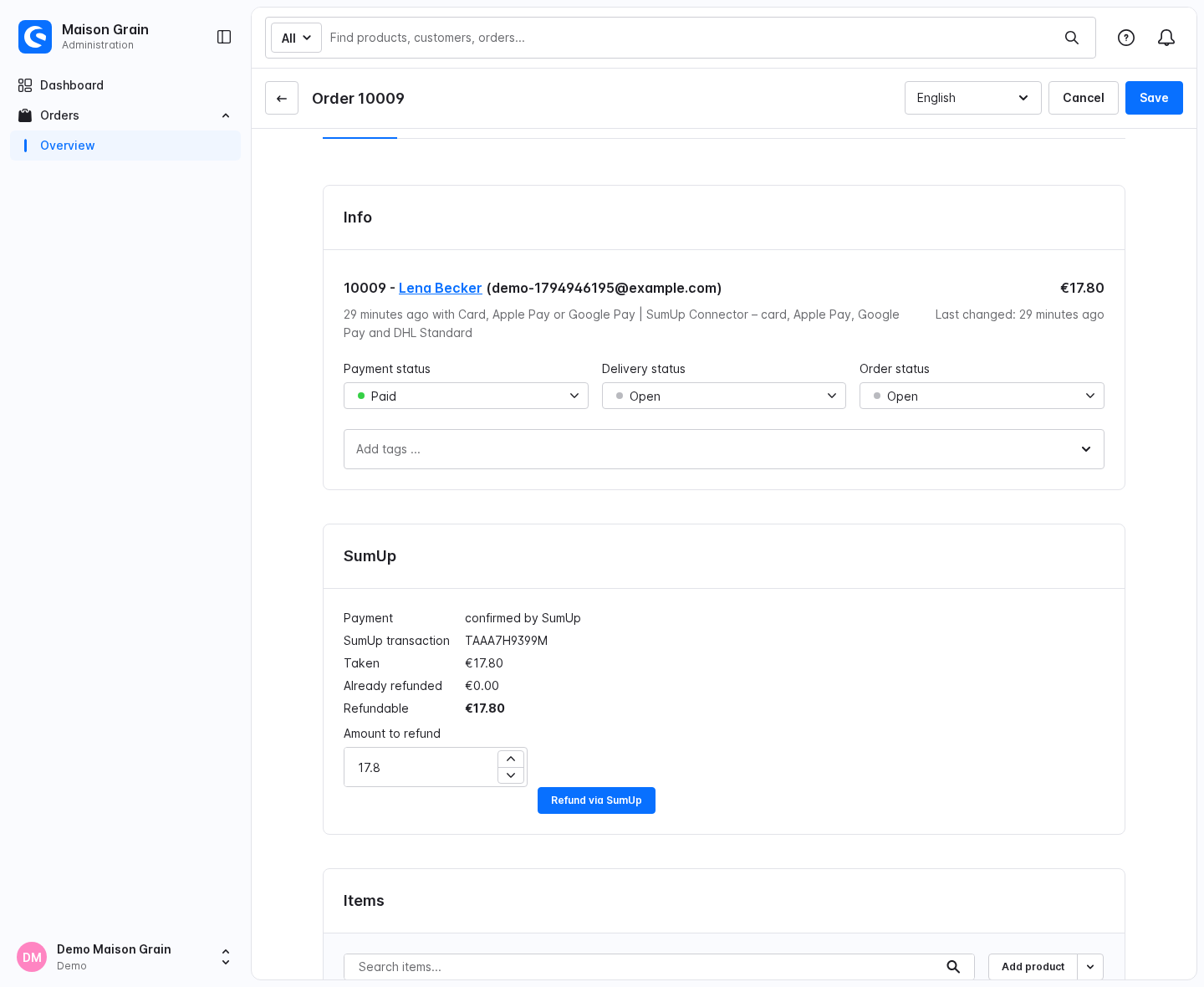
Refund all or part of a payment from the order page: SumUp credits the customer's card back, and the order keeps a record of every refund.
Paste your SumUp key and merchant code: the module tells you right away whether the connection works. For your tests, use the key of a SumUp test account: nothing is charged.
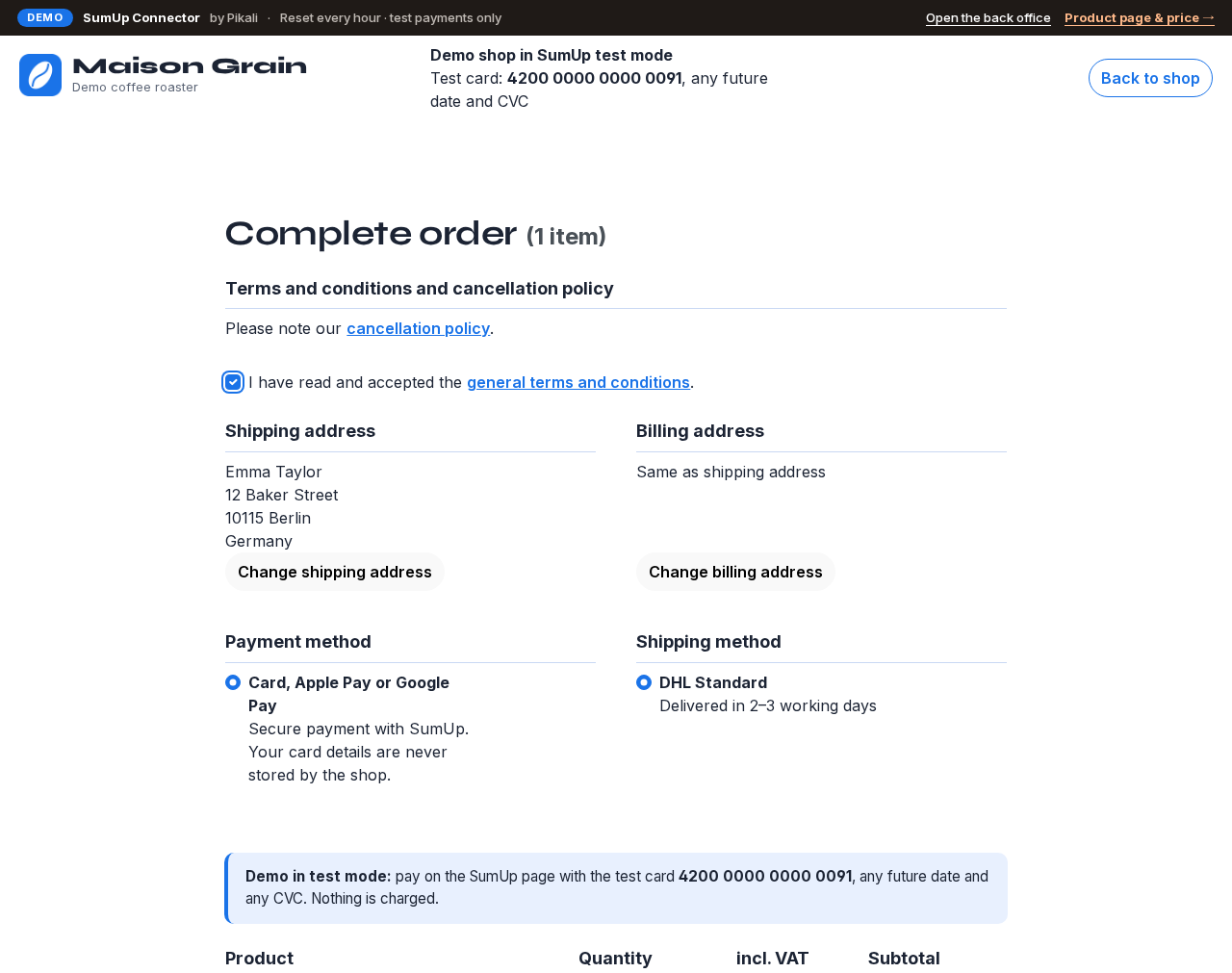
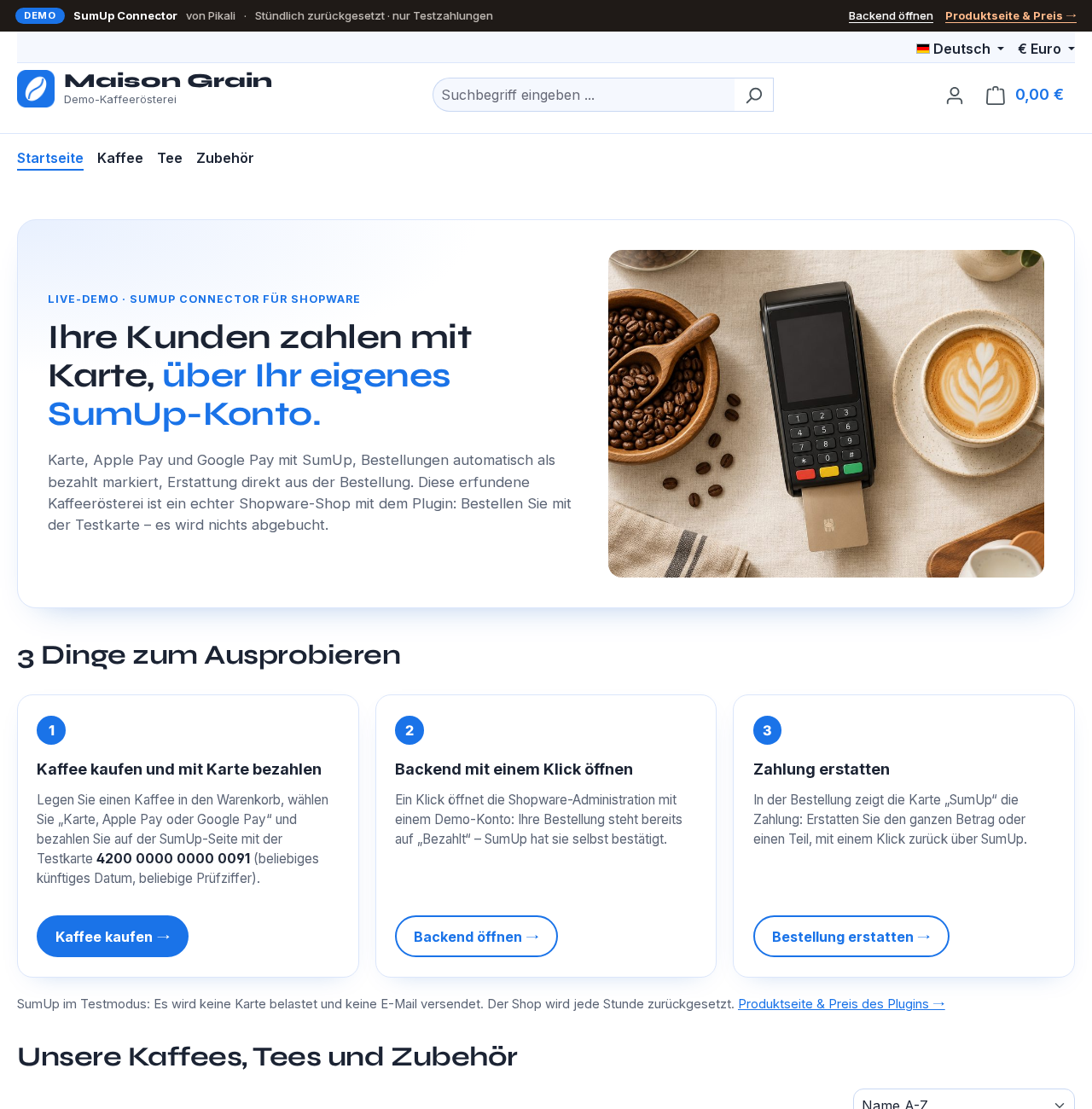
A complete demo shop, online, with the plugin installed and configured.
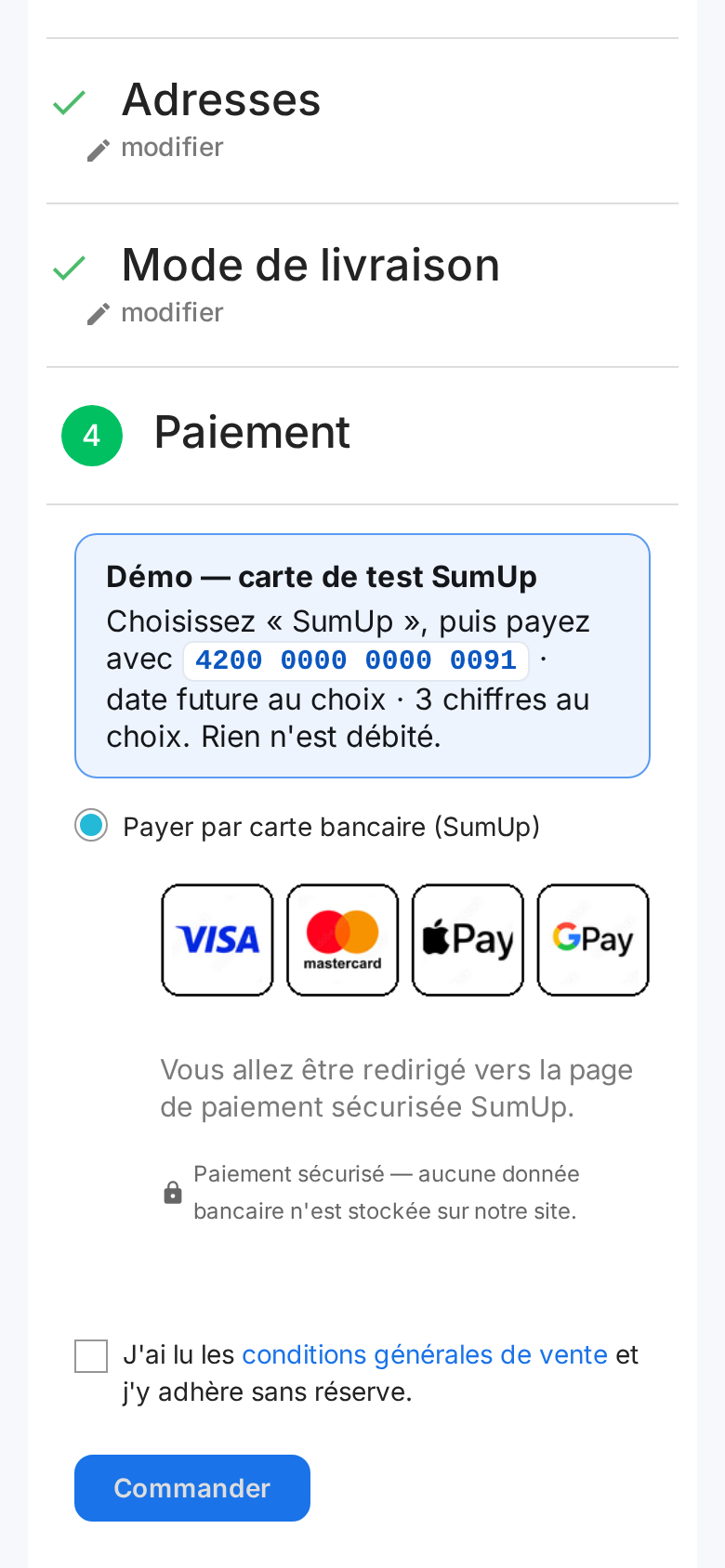
To sign in: One-click back office: https://sumup.dev.pikali.fr/demo-login/ (restricted demo account, SumUp settings locked). Test card: 4200 0000 0000 0091, any future date, any 3 digits.
PrestaShop 8.2, module 1.0.59, SumUp in test mode (Pikali sandbox account), no emails sent, FR + EN, noindex, reset every hour.
You need a verified SumUp merchant account and a SumUp API key.
Fees are those of your SumUp contract: the module adds none, and we take nothing on your sales.
Your shop must use HTTPS, as for any payment module; it is also required to receive SumUp's notifications.
No instalments and no subscriptions: one payment per order.
The card form inside the shop takes cards only: Apple Pay and Google Pay are offered on SumUp's payment page.
For shops that already take in-store payments with SumUp, or that want a payment method with no monthly fee. Support in French and English by e-mail, module published by Pikali.
One licence per shop and per platform: choose the edition for yours.
Version 1.0.61 · 140 Ko · AFL-3.0 (Academic Free License) licence
€69.99 excl. VAT
i.e. €83.99 incl. VAT
VAT: 20% for French businesses, reverse charge for EU businesses with a verified VAT number, not applicable outside the EU.
Sign in to buyA business account is required to buy.
Licence for one PrestaShop shop (1 licence = 1 shop, per platform): a site on WooCommerce and Shopware would need its own licence, from its edition on this same page. One-off purchase, no time limit on use.
12 months of updates and support included from the purchase (current version downloadable from your client area, new versions announced by e-mail).
Then an optional “Entretien” (care plan) at 20% of the licence price per year (€14.00 excl. VAT per year): updates and support extended for one year, with no catch-up for past years. Without it, the module keeps working.
Code released under the free AFL-3.0 (Academic Free License) licence: the rights that licence grants on the code remain whole; the Pikali licence covers the use in your shop, the updates and the support.
Support by e-mail at contact@pikali.fr.
This edition is also listed on PrestaShop Addons.
Version 1.0.0 · 233 Ko · GPL-2.0-or-later licence
€69.99 excl. VAT
i.e. €83.99 incl. VAT
VAT: 20% for French businesses, reverse charge for EU businesses with a verified VAT number, not applicable outside the EU.
Sign in to buyA business account is required to buy.
Licence for one WooCommerce shop (1 licence = 1 shop, per platform): a site on PrestaShop and Shopware would need its own licence, from its edition on this same page. One-off purchase, no time limit on use.
12 months of updates and support included from the purchase (current version downloadable from your client area, new versions announced by e-mail).
Then an optional “Entretien” (care plan) at 20% of the licence price per year (€14.00 excl. VAT per year): updates and support extended for one year, with no catch-up for past years. Without it, the module keeps working.
Code released under the free GPL-2.0-or-later licence: the rights that licence grants on the code remain whole; the Pikali licence covers the use in your shop, the updates and the support.
Support by e-mail at contact@pikali.fr.
Version 1.0.1 · 80 Ko · proprietary licence
€69.99 excl. VAT
i.e. €83.99 incl. VAT
VAT: 20% for French businesses, reverse charge for EU businesses with a verified VAT number, not applicable outside the EU.
Sign in to buyA business account is required to buy.
Licence for one Shopware shop (1 licence = 1 shop, per platform): a site on PrestaShop and WooCommerce would need its own licence, from its edition on this same page. One-off purchase, no time limit on use.
12 months of updates and support included from the purchase (current version downloadable from your client area, new versions announced by e-mail).
Then an optional “Entretien” (care plan) at 20% of the licence price per year (€14.00 excl. VAT per year): updates and support extended for one year, with no catch-up for past years. Without it, the module keeps working.
Support by e-mail at contact@pikali.fr.
Four steps, then paste your SumUp key into the module configuration.
From your Pikali client area, right after purchase. Do not unzip it.
In the PrestaShop admin: Modules → Module Manager, then Upload a module at the top right.
Drag the ZIP file into the window. PrestaShop installs the module by itself. No Pikali key to enter: the module works as soon as it is active.
Click Configure: every setting is explained on the module page.
Four steps, then you paste your SumUp key into the payment settings.
From your pikali.fr customer area, download the extension's .zip file.
In WordPress: Plugins → Add New → Upload Plugin, choose the file, then “Activate”.
WooCommerce → Settings → Payments → SumUp: paste your API key and merchant code, tick “Accept payments with SumUp”, save. The message confirms that the connection works.
Place an order, pay, then refund it from the order page. With the key of a SumUp test account, nothing is charged.
Four steps, then you paste your SumUp key into the extension configuration.
From your pikali.fr customer area, download the extension's .zip file.
In the Shopware administration: Extensions → My extensions → Upload extension, choose the file, then Install and Activate. The payment method is assigned to your sales channels automatically.
Extensions → My extensions → SumUp Connector → Configure: API key and merchant code, “Test the connection”, Save.
Place an order, pay, then refund it from the order's “SumUp” card. With the key of a SumUp test account, nothing is charged.
Yes: each demo shop lets you pay with a test card, see the order arrive in the back office and refund it. Nothing is charged.
No. They are entered and processed by SumUp, on its payment page or in its card form.
On me.sumup.com: your profile, then Settings → For Developers → Toolkit → API Keys → Create. Copy it right away, it is shown only once.
The key decides: test with the key of a SumUp test (sandbox) account, then replace it with the key of your normal account. Then make a small real payment and refund it from the order.
SumUp notifies your shop of the payment and the order is validated anyway. Should that notification get lost, the module re-checks pending payments by itself.
Instant download. Paste your SumUp key and your shop takes payments. Not convinced yet? Try the demo.
Choose my edition