
Your whole catalogue, organised
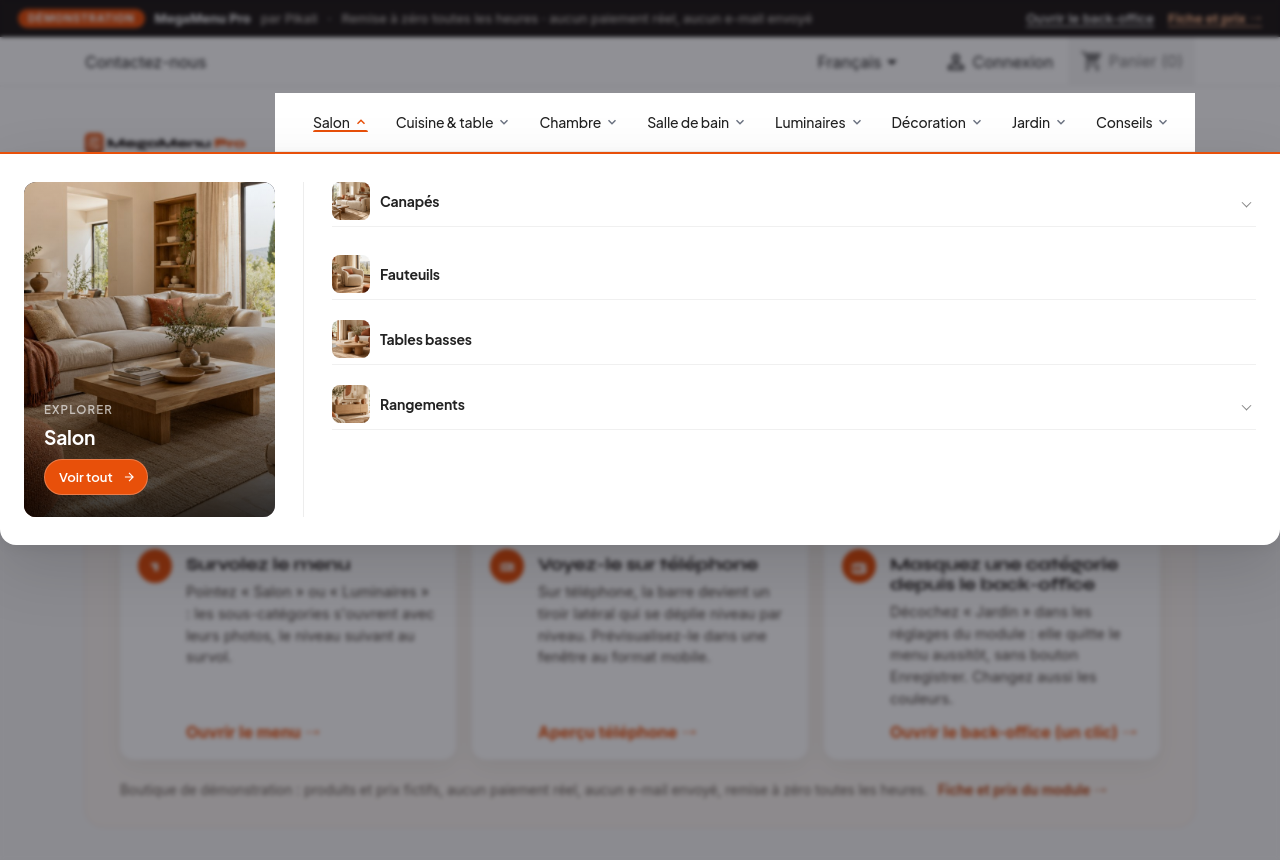
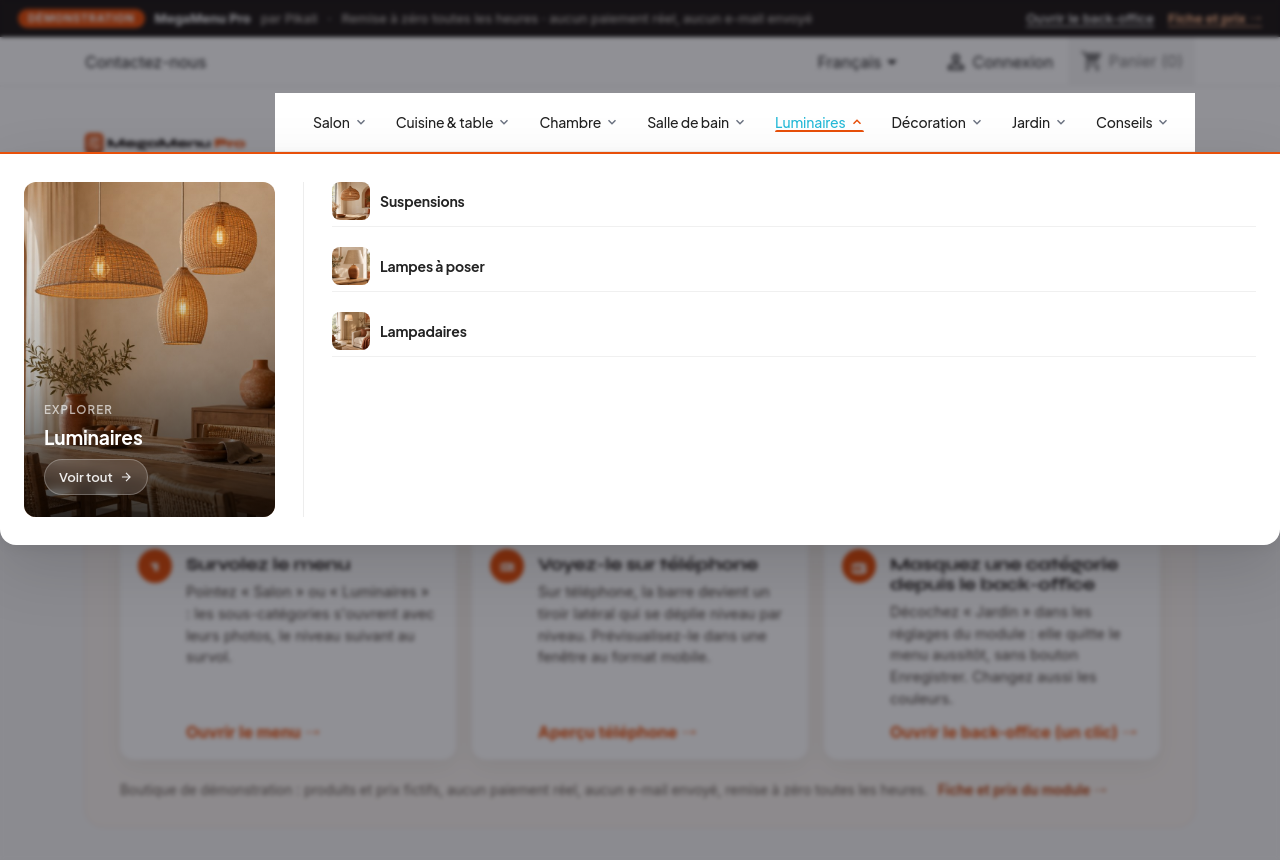
Categories, subcategories and deeper levels displayed automatically, down to the depth you choose (three levels by default). A new category shows up in the menu with nothing to redo.
Your whole catalogue tree in a clear horizontal bar, with category images, your content pages and a mobile version, configured from the back office without a line of code.
MegaMenu Pro is a PrestaShop module published by Pikali. A horizontal mega menu with your whole catalogue tree, automatic images, CMS pages, responsive, configured from the back office without a line of code. Licence: €79.00 excl. VAT (€94.80 incl. VAT) per shop, 12 months of updates included, no subscription required. Try it first on its live demo shop.
Categories, subcategories and deeper levels displayed automatically, down to the depth you choose (three levels by default). A new category shows up in the menu with nothing to redo.
The category image, or failing that the photo of its first product, in the thumbnail format of your choice. Images load on demand so the page stays fast.
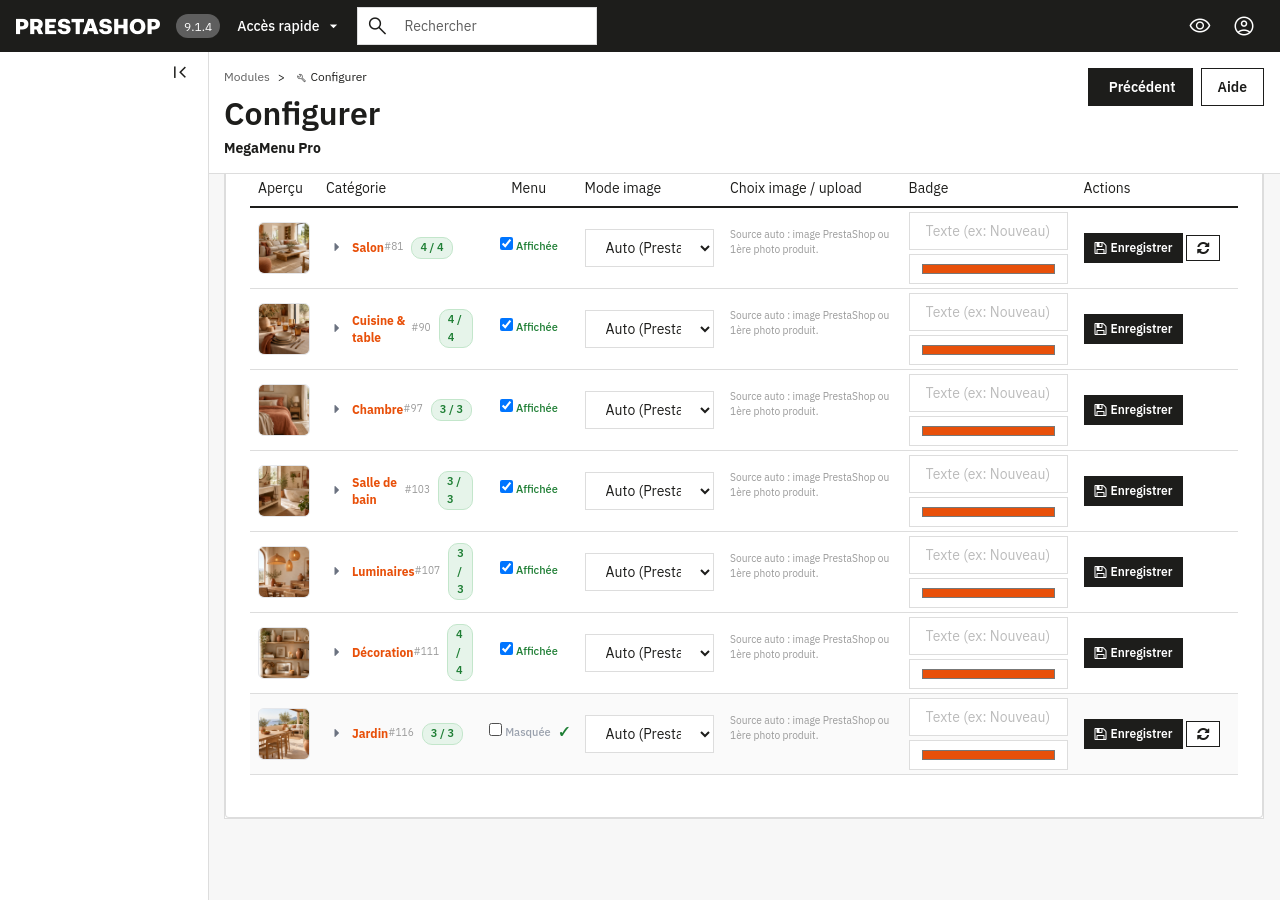
Tick or untick a category in the back office: it enters or leaves the menu at once, with no Save button, and stays online in your store. A counter shows how many subcategories are displayed at each level.
Your CMS page categories (advice, guides, information…) join the menu with their pages.
Background and accent colours, bar alignment, line wrapping for large catalogues, and a menu that stays visible at the top while scrolling.
For a given category, pick the image or logo to display from an image library, or add a badge (“New”, “Sale”) in the colour of your choice.
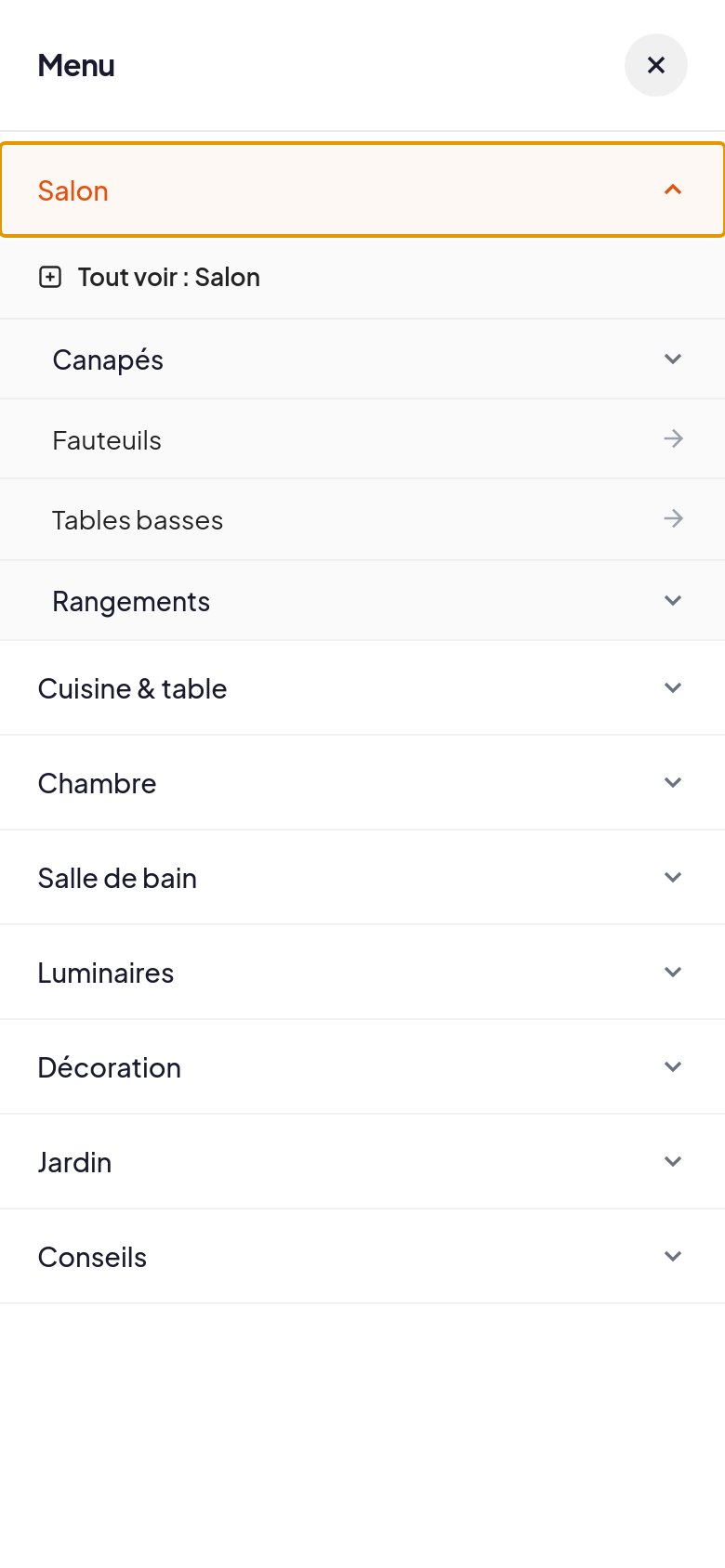
On install, the standard PrestaShop menu is removed from the header to avoid a double menu; it comes back if you uninstall the module. On phones, the menu becomes a side drawer that opens level by level. Its buttons are in French and English.
A complete demo shop, online, with the plugin installed and configured.
To sign in : One-click back office (“Open the back office” button in the banner) with a restricted demo account: MegaMenu Pro settings and catalog in read-only mode.
PrestaShop 9.1, Classic theme, 39 categories, 12 products, FR + EN. Reset every hour, no real payments, no emails sent, noindex.
Tested on PrestaShop 1.7.8, 8.1, 9.0 and 9.1 with the Classic theme and its child themes. A heavily customised theme may need a style adjustment: write to us before buying if in doubt.
The Hummingbird theme (PrestaShop 9 default theme) is not validated yet: use Classic or a child theme.
The menu follows your catalogue: it is not meant for hand-built promotional blocks.
The module settings are in French; in the store, the menu is shown in French or English depending on the visitor's language.
On phones, the menu shows no images, to stay fast and readable.
For PrestaShop stores whose catalogue has outgrown what the standard menu can show cleanly. Try it on the demo store before buying. Support by e-mail, module published by Pikali.
Version 1.3.0 · 40 Ko · AFL-3.0 (Academic Free License) licence
€79.00 excl. VAT
i.e. €94.80 incl. VAT
VAT: 20% for French businesses, reverse charge for EU businesses with a verified VAT number, not applicable outside the EU.
Sign in to buyA business account is required to buy.
Licence for one PrestaShop shop (1 licence = 1 shop, per platform): a WooCommerce shop would need a second licence, bought on the WooCommerce page. One-off purchase, no time limit on use.
12 months of updates and support included from the purchase (current version downloadable from your client area, new versions announced by e-mail).
Then an optional “Entretien” (care plan) at 20% of the licence price per year (€15.80 excl. VAT per year): updates and support extended for one year, with no catch-up for past years. Without it, the module keeps working.
Code released under the free AFL-3.0 (Academic Free License) licence: the rights that licence grants on the code remain whole; the Pikali licence covers the use in your shop, the updates and the support.
Support by e-mail at contact@pikali.fr.
Four steps: the menu takes its place in the header as soon as it is installed.
From your Pikali client area, right after purchase. Do not unzip it.
In the PrestaShop admin: Modules → Module Manager, then Upload a module at the top right.
Drag the ZIP file into the window. PrestaShop installs the module by itself. No Pikali key to enter: the module works as soon as it is active.
Click Configure: every setting is explained on the module page.
Yes: the demo store has 39 categories. Hover the menu, open it on a phone, then open the back office in one click to hide a category or change the colours. It is reset every hour.
Yes. On install, the standard menu is removed from the header to avoid a double menu, and it comes back if you uninstall the module.
Yes: untick it in the module's Categories tab. It leaves the menu at once but stays online in your store (direct link, search, product pages).
You choose the depth in the back office; three levels by default.
No: they use the thumbnails PrestaShop already generates and load on demand.
Turn on line wrapping: the bar spreads over several lines instead of overflowing.
Changing theme can put the original PrestaShop menu back in the header. Then reset MegaMenu Pro (Modules → MegaMenu Pro → Reset): it removes the original menu again.
One-off purchase, immediate download. Install, pick your colours, you are live.
Get the module